
WhatsApp Check Results Explained: Registered, Not Registered and Undetermined
A glossary of WhatsApp check outcomes: registered, not registered and undecided, plus what avatar, business-account and activity-day results add.
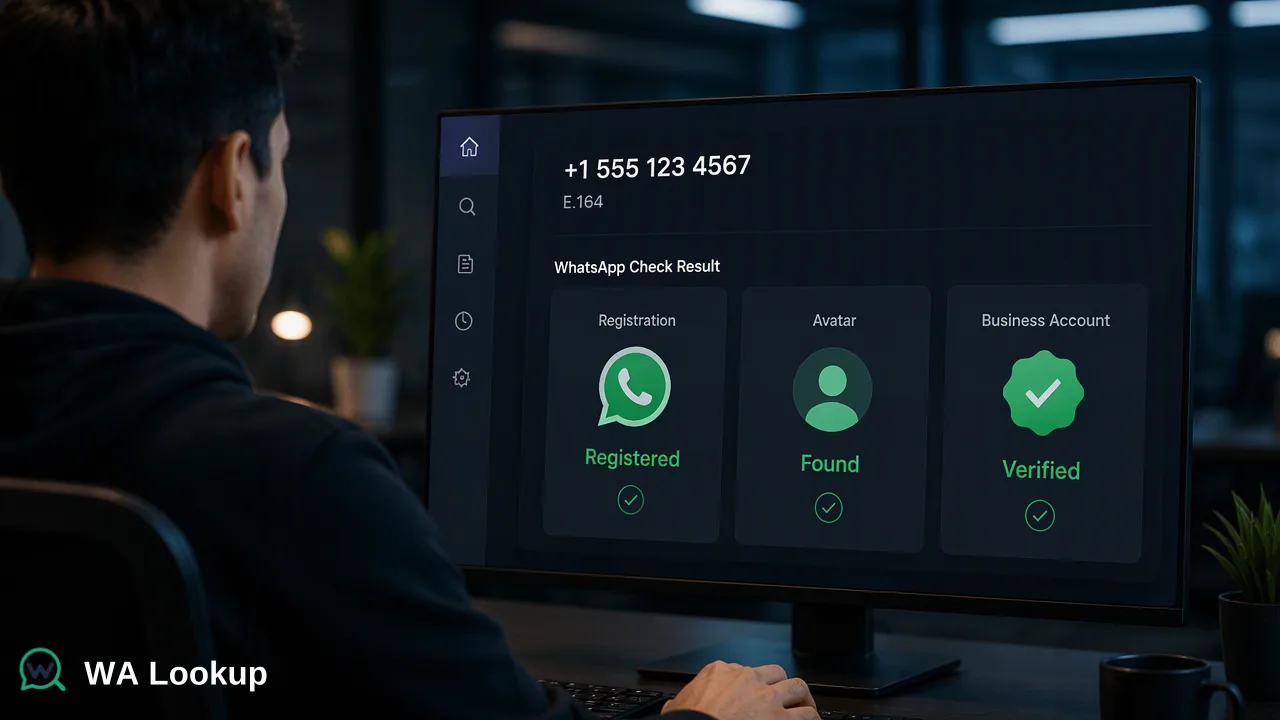
Plain-language definitions of every WhatsApp check outcome and how teams should record and act on each one.
The meaning of a WhatsApp check result depends on which of three outcomes it is. A registered result means a WhatsApp account was found on the number at check time; a not-registered result means the check reached a decision and found none; an undetermined check means no decision was reached, so there is no answer to record yet. Avatar and business-account checks add one extra fact on top of the registration answer, and none of the outcomes describes the person behind the number.
WhatsApp check result meaning at a glance
Pages that rank for this question usually describe a yes or no answer, or explain the ticks on a sent message. In practice a check has three outcomes, and mixing up the second and third is the most common data-quality error in contact lists.
| Outcome | Plain meaning | Recommended action |
|---|---|---|
| Registered | A WhatsApp account was found on the number at check time | WhatsApp can be tried, within your consent rules |
| Not registered | The check finished and found no WhatsApp account | Confirm formatting, then use another channel |
| Undetermined | The check could not reach a decision | Record nothing as the result; re-check later |
The first two are decided outcomes. The third is the absence of an outcome, and it should never be stored as if it were the second.
Registered: what the result covers
A registered result is an account-presence signal. At the moment of the check, a WhatsApp account existed for that phone number. It supports decisions such as trying WhatsApp before another channel, tagging the contact as reachable on WhatsApp, or keeping the number in a WhatsApp campaign segment.
Keep three limits in mind when acting on it:
- Time. The answer describes the check date. Numbers are reassigned and accounts are deleted, so older results drift.
- The number, not the person. The result does not say who holds the number or whether that person agreed to hear from you.
- Reachability, not response. A registered account can be messaged in principle; whether a message is wanted, read or answered is a separate matter governed by your own opt-in records and messaging policy.
In a CRM, a registered result works best as one field with a date beside it, used together with consent and engagement data.
Not registered: a decided answer
A not-registered result means the check ran to completion and found no WhatsApp account on the submitted number. It is a real answer, and it is charged like a registered answer.
Before acting on it, rule out the usual formatting causes:
- The country code is missing or wrong, so a different number was checked.
- A national trunk prefix such as a leading 0 was kept after the country code.
- Extra characters, an extension or two numbers in one field were submitted.
WhatsApp's own click to chat guidance asks for the same full international format without leading zeros, and the ITU E.164 standard defines that format. If the number was formatted correctly, treat the contact as not reachable on WhatsApp for now and use another channel. A later re-check can return a different answer if the person registers.
Undetermined: when a check cannot decide
Sometimes a check cannot reach a decision. In the WA Lookup API this appears as a non-zero business code instead of a completed result, so there is no registration answer to read.
The correct handling is simple, and it is where many lists go wrong:
- Do not write "not registered" or "no WhatsApp" into the record.
- Leave the result field empty and mark the number as pending re-check.
- Retry later, with a pause between attempts rather than an immediate loop.
- Report undetermined numbers separately, so list statistics reflect only decided outcomes.
Teams that collapse undetermined into not registered end up removing reachable contacts from WhatsApp segments, often without noticing.
What avatar and business-account results add
The avatar and business-account checks return the registration answer plus one extra fact each.
Avatar result
The WhatsApp Avatar Check reports whether a profile photo is available for the account and, when one is, provides a link to it. The link can be empty. A missing photo is common: many users never set one or limit who can see it. Avatar availability is useful context for contact records and manual review. It does not decide whether the number is registered, and a photo does not tell you who the person is.
Business-account result
The WhatsApp Business Account Check reports whether the account is a WhatsApp Business account, the account type created through the WhatsApp Business app or business platform. Sales and marketing teams use it to segment B2B prospects. A business result describes account type; it is not confirmation of a registered company. A standard-account result does not mean the person has no business role, since many professionals use personal accounts for work.
Activity days: a bulk-only signal
Lists processed as async bulk file tasks can also use an activity product that returns activity days: the number of days since the account's last activity. This value is available only in that bulk product, not in the three realtime checks.
Activity days help sort a large list into recent and long-dormant groups. They are not live online status, a last-seen time, or a record of messages. Store them with the processing date, because the count is relative to when the file was processed.
Recording outcomes in a contact database
A small, consistent vocabulary keeps results usable months later. One workable scheme:
| Field | Allowed values | Notes |
|---|---|---|
| WhatsApp status | registered, not registered, pending | Pending covers undetermined and never-checked numbers |
| Check type | registration, avatar, business account | Shows which extra fact is available |
| Avatar available | yes, no, empty | Only filled by the avatar check |
| Account type | business, standard, empty | Only filled by the business-account check |
| Checked on | date | Drives re-check rules |
With this structure, filters such as "registered and checked within the last 90 days" are straightforward, and undetermined numbers never leak into the not-registered group.
FAQ
How can teams tell a not-registered result from an undetermined one?
A not-registered result is a completed check with a decided answer. An undetermined check returns an error code with no completed result. Only the first should be written into a status field.
Is a not-registered result charged?
Yes. Completed registered and not-registered results are both charged, because both are decided answers.
What does an empty avatar link mean?
It means no profile photo was available to the check. Registration is reported separately, so an empty avatar link should not be read as a missing account.
How long does a result stay useful?
A result describes the number at check time. Teams commonly re-check before a new campaign or when the stored check date is several months old.
Learn More
Choose the product information that fits the next step in your workflow.