
WhatsApp Business vs Personal Detection: Segmenting B2B Prospects
Use the WhatsApp business-account signal to segment B2B prospects: what it shows, how to check lists at scale, and how to handle mixed results.
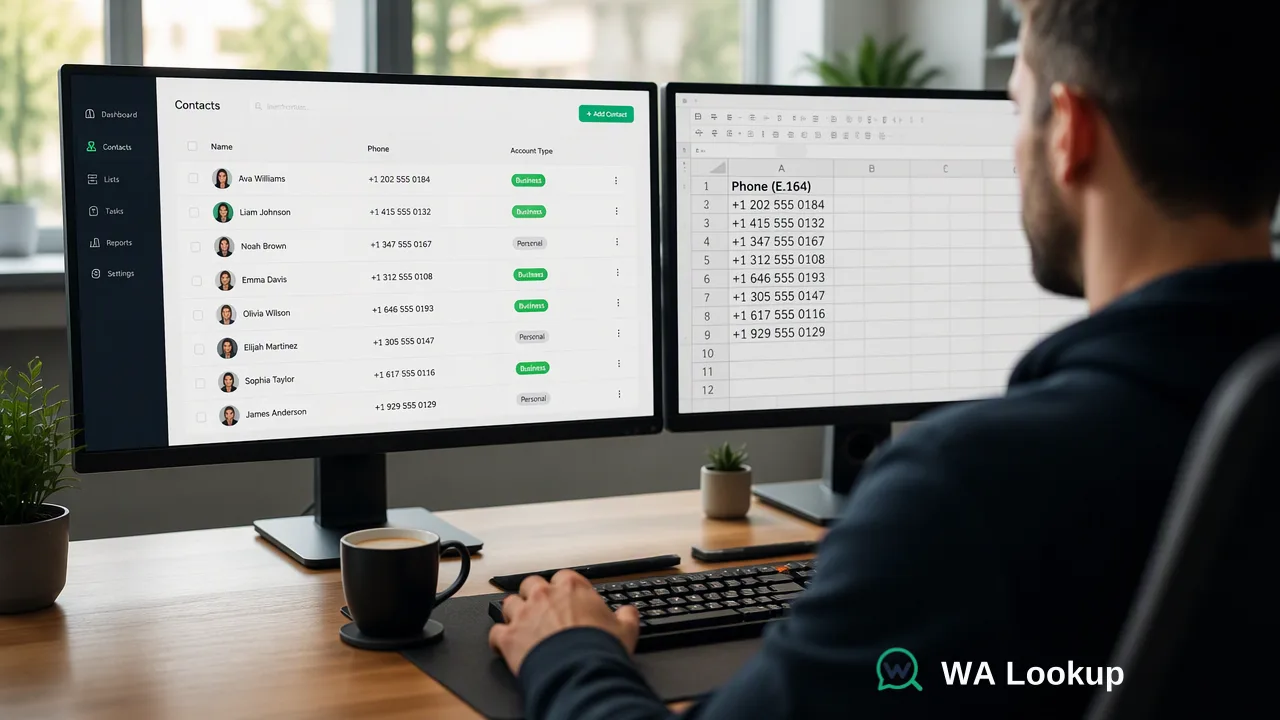
How B2B sales teams can separate prospects whose numbers use WhatsApp Business from other registered numbers, check lists at scale, and turn the signal into segments without over-reading it.
WhatsApp business vs personal detection means checking whether a registered number is set up as a WhatsApp Business account. A person can see this manually on a contact's profile, but a sales team with hundreds of prospects needs the signal as data. WA Lookup's WhatsApp Business Account Check returns registration plus a business-account signal for each submitted number in the same response, which a B2B seller can use to segment outreach. The signal describes account type at check time; it is one input next to firmographic data, not proof of a legal company.
What separates a WhatsApp Business account from a personal one
WhatsApp runs two kinds of accounts on the same network. Personal accounts use the standard app. Business accounts use the WhatsApp Business app, which Meta positions for small business owners, or Meta's business messaging platform for larger senders. Business accounts can publish a business profile with details such as a description, address or products.
The manual way to tell them apart is to open a chat and look at the contact's profile for a business label and business information. That works for one conversation, but it fails a B2B sales workflow for three reasons:
- It requires an existing chat or saved contact, which is the step a team wants to plan before outreach.
- It cannot be applied to a prospect list of hundreds or thousands of rows.
- Nothing gets written back to the CRM, so the observation is lost.
A business-account check turns that profile observation into a field the team can filter, report on and route by.
WhatsApp business vs personal detection with the three WA Lookup checks
WA Lookup offers three realtime checks. Each one starts from the same registration signal and adds a different supplementary signal.
WhatsApp Registration Check
Returns whether a WhatsApp account was present for the submitted number at check time. This is the base signal for every segment below.
WhatsApp Avatar Check
Adds whether a profile photo is available for a registered account, and a link to it when present. It describes the profile, not account type.
WhatsApp Business Account Check
Adds whether the registered account is a WhatsApp Business account. This is the check that supports business vs personal segmentation.
| Check | Base signal | Added signal | Fits |
|---|---|---|---|
| WhatsApp Registration Check | Registered at check time | None | Channel choice |
| WhatsApp Avatar Check | Registered at check time | Profile photo availability | Profile completeness review |
| WhatsApp Business Account Check | Registered at check time | Business account type | B2B segmentation |
A negative avatar or business result does not mean the number is unregistered; the registration signal answers that question on its own.
A segmentation model for B2B prospect lists
For a seller targeting companies, the business-account signal is most useful when combined with what the CRM already knows, such as company domain, job title and lead source. A simple four-segment model works for most teams:
| Segment | Signal combination | Suggested handling |
|---|---|---|
| A. Business line | Registered, business account | Prioritise for WhatsApp outreach where opt-in exists; the account is set up as WhatsApp Business |
| B. Registered, no business flag | Registered, not a business account | Use CRM data to decide; this may be a direct line of a decision-maker or a non-business contact |
| C. Not on WhatsApp | Completed check, not registered | Route to email, phone or LinkedIn under existing permissions |
| D. No decision | Check could not be completed | Retry before assigning a segment |
Segment B deserves care. Many B2B buyers use a standard WhatsApp account for work, so a missing business flag says the account is not set up as WhatsApp Business, not that the person is irrelevant. Meta positions the Business app for small business owners, so teams selling to small businesses may find Segment A the most relevant starting point. Teams selling to enterprise roles may find Segment B carries more decision-makers and lean on job title to rank it.
The business signal identifies account type. It does not confirm a registered company, a person's role or permission to contact, so opt-in and CRM qualification rules still apply to every segment.
Running the check on a prospect list
- Normalize numbers. Convert every prospect number to E.164 with the country code, following Meta's guidance on WhatsApp user phone number formats, and deduplicate after conversion.
- Filter by consent first. The WhatsApp Business Messaging Policy requires that people provided their number and opted in before a business contacts them. Rows without a usable opt-in can still be checked for CRM hygiene, but they should not enter a WhatsApp sequence.
- Choose the method. For individual records, run a realtime single check in the dashboard or call
POST /api/v1/checkwith the WhatsApp Business Account Check selected. For a list of a few hundred, paste up to 500 numbers into the dashboard Realtime Batch Check or send up to 100 per request toPOST /api/v1/batch-check. For very large files, a bulk business-account task is an add-on: upload a TXT or CSV file, wait for processing, then download the result file. - Write results back. Store the registration outcome, the business-account outcome and the check date as separate CRM properties so that reports can filter on each one.
- Assign segments. Apply the four-segment table as a CRM rule rather than a manual tag, so new prospects are segmented the same way.
Mistakes that weaken business vs personal segmentation
- Excluding Segment B outright. Dropping every registered number without a business flag removes decision-makers who simply use the standard app.
- Treating the flag as company verification. The flag describes account type only; due diligence on the company still belongs in the sales process.
- Storing only one combined label. A single "business WhatsApp" tag hides whether a contact is unregistered or just lacks the business flag. Keep registration and account type as separate fields.
- Never refreshing. Account type is a check-time result and can change. Recheck before major campaigns and keep previous results as history.
- Retrying nothing. No-decision rows belong in a retry queue, not in Segment C.
FAQ
How can teams tell a WhatsApp Business number from a personal one without opening a chat?
A business-account check returns the account type as data for each submitted number, so the team does not need an existing conversation or saved contact. WA Lookup's WhatsApp Business Account Check returns registration and the business-account signal in the same response.
Does a registered number without the business flag belong to a private individual?
Not necessarily. The result only says the account is not set up as WhatsApp Business. Many professionals use the standard app for work, so CRM fields such as company domain and job title should decide how to treat that contact.
Which check should a B2B team run if it only needs channel choice?
The WhatsApp Registration Check is enough when the only question is whether WhatsApp is an available channel. The WhatsApp Business Account Check is the better fit when segments depend on account type.
How should results feed into lead scoring?
Use the business-account signal as one modest input next to firmographic and engagement data, and record the check date with it. Weighting it too heavily can push out qualified buyers who use the standard app.
Learn More
Choose the product information that fits the next step in your workflow.