
How to Check a WhatsApp Number Online Without Saving the Contact
Step-by-step guide to check a WhatsApp number online without saving the contact: dashboard steps, the manual wa.me method, and formatting pitfalls.
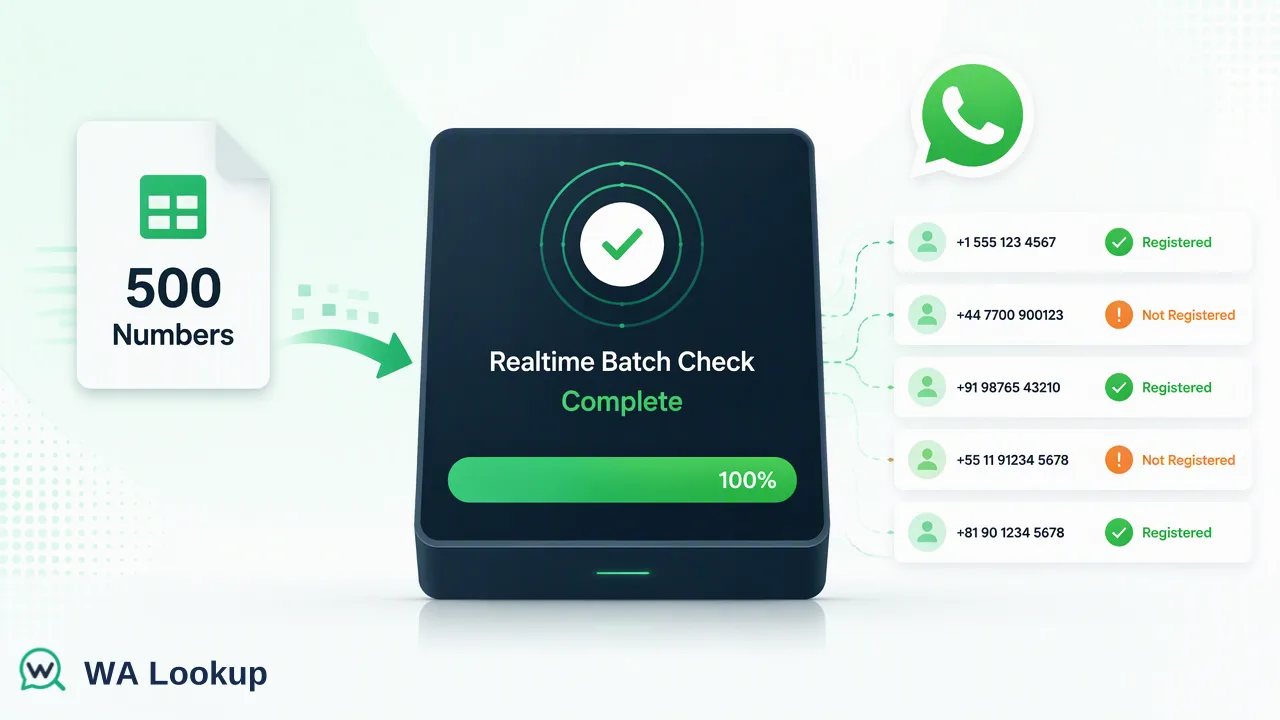
A practical walkthrough of checking a WhatsApp number online in a hosted dashboard, compared with the manual click-to-chat method.
To check a WhatsApp number online without saving the contact, enter the number with its country code into a hosted checker, choose the check you need, and read the result in the same session. In the WA Lookup dashboard the choices are registration, avatar availability and business-account type. The manual alternative is a click-to-chat link, which works for a single number but does not scale and can be misread when formatting is wrong. Either way, the result is a signal about account presence at that moment, not proof of who owns the number.
Why teams check a WhatsApp number without saving it
Saving a number to a phone just to see whether WhatsApp lists it creates clutter. The contact lands in the address book, may sync to other devices, and mixes prospect data with personal contacts. For a sales or support team that handles dozens of numbers a day, that quickly becomes a data-hygiene problem and, for company phones, a privacy one.
A hosted check keeps the lookup outside the phone. The number is submitted to a WA Lookup account, the answer appears on screen, and nothing is added to any address book. The same account and balance also cover the REST API, so a manual check today can become an automated one later without changing tools.
Existing guides on this topic mostly describe one trick, usually the click-to-chat link, and skip two things readers actually need: how to avoid false negatives caused by formatting, and what to do once the number must be checked at list scale. The sections below cover both.
Step-by-step: check a number in the WA Lookup dashboard
- Sign in to the dashboard. Eligible new accounts automatically receive 100 free checks once after registration, so a first test needs no top-up. See the pricing page for how balance works afterward.
- Open the realtime check. Choose the single-number check rather than a bulk file task. Realtime checks answer in the same session; there is nothing to wait for or download.
- Enter the number with its country code. Use full international format, such as the country code followed by the national number. Do not rely on a local format with a leading zero.
- Pick the check. Registration tells you whether a WhatsApp account is present. Avatar availability adds whether a profile picture can be retrieved. The business-account check identifies whether the account is a WhatsApp Business account.
- Run it and read the result. A decided result is either registered or not registered. If the check cannot be decided, treat it as incomplete and try again later.
- Record the outcome and the date. Store the result in your CRM or sheet together with the check date, because registration can change over time.
For a handful of numbers, repeat the steps. For a pasted group, the dashboard's Realtime Batch Check tab accepts up to 500 numbers in one session.
The manual method: click-to-chat links
WhatsApp's own help center documents a click-to-chat link in the form wa.me/<number>, where the number is written in full international format without a plus sign, spaces or dashes. Opening the link in a browser or on a phone either opens a chat window or shows a message that the number is not valid on WhatsApp.
This works for a one-off lookup, and it does not require signing up for anything. The trade-offs matter for business use:
- It opens a chat surface. The aim is to start a conversation, not to run a clean check, so there is no stored result and no field to record.
- The error text is ambiguous. An invalid-number message can mean the number is not on WhatsApp, but it can also mean the number was formatted incorrectly. Without a second check you cannot tell which.
- It is one number at a time. There is no way to run a list.
- Nothing is logged. You must copy outcomes into your own sheet by hand.
Use it as a spot check. Use a hosted check when the result needs to be recorded or repeated.
Dashboard check versus manual check
| Question | Hosted dashboard check | Click-to-chat link |
|---|---|---|
| Saves the contact to your phone | No | No |
| Distinguishes bad formatting from not registered | Clearer, because the outcome is a defined result | Ambiguous error text |
| Extra signals | Avatar availability, business-account type | None |
| Handles a list | Pasted batch of up to 500, API for automation | One number at a time |
| Stores history | Validation history in the dashboard | Nothing recorded |
| Result when it cannot be determined | Reported as undetermined, retry later | Not distinguished |
Neither method sends a message on your behalf or reveals chat content, last-seen status or identity.
Why consistent number formatting matters
Most wrong answers on a WhatsApp check trace back to the number, not the platform. Local formats drop the country code, add a leading zero or contain brackets and spaces. A check that receives a malformed number may come back as not registered even though the person uses WhatsApp every day.
Apply these rules before every check:
- Use the full international number, with the country code first.
- Strip spaces, dashes, brackets and extension text.
- Remove the national trunk prefix (often a leading zero) when adding the country code.
- Keep one consistent format across the sheet so duplicates are easy to spot.
- Check one sample manually from each country in the list, to confirm your rules work there.
Region notes also apply. Realtime single-number checks cover mainland China, Hong Kong and Macau for small volumes, while bulk file tasks do not support those regions. Confirm current coverage in the API documentation before relying on a country.
What the result does and does not tell you
A registered result means a WhatsApp account was present for that number when the check ran. That is useful for choosing a channel: a team can decide whether to approach a lead on WhatsApp or fall back to email or a call.
It does not tell you who owns the number, whether the owner agreed to be contacted, whether the person is currently online, or whether a message would be read. Avatar availability and business-account type add supporting detail only. A missing avatar does not mean the number is unregistered, and a business flag marks account type rather than a verified company.
Use results as workflow inputs, collect opt-in separately, and keep stored data to what your routing needs, usually a status and a date.
When to move from manual checks to automation
Manual checks suit a handful of numbers. Move on when any of these apply:
- You paste the same kind of list every week.
- Results must land in a CRM field without copy and paste.
- Several people run checks and need a shared history.
The API multi endpoint takes up to 100 numbers per request and answers in the same response, and the same key works with the official MCP server for AI clients. For very large lists, asynchronous file tasks exist as a short add-on, with per-product limits in the current documentation.
FAQ
How can teams check if a number is on WhatsApp without adding the contact?
Use a hosted checker that takes the number in international format and returns a result on screen, or use a click-to-chat link for a one-off look. Neither requires saving the contact to a phone.
Why does a valid number sometimes show as not registered?
The most common cause is formatting. A missing country code, a leading zero or stray characters can make a check fail. Normalise the number and run it again before concluding the account does not exist.
Can a check show if the person is online?
No. A check reports account presence at that moment. It does not show online status, last seen, chat content or identity.
How can teams record results for later use?
Store the outcome and the check date in a CRM or sheet field. The dashboard also keeps validation history, so results can be revisited.
Learn More
Choose the product information that fits the next step in your workflow.