
Product guidance
Navigating WhatsApp Business API Verification Limits
Learn how to operate within WhatsApp Business API verification limits and use real-time registration checks to maintain high quality ratings.
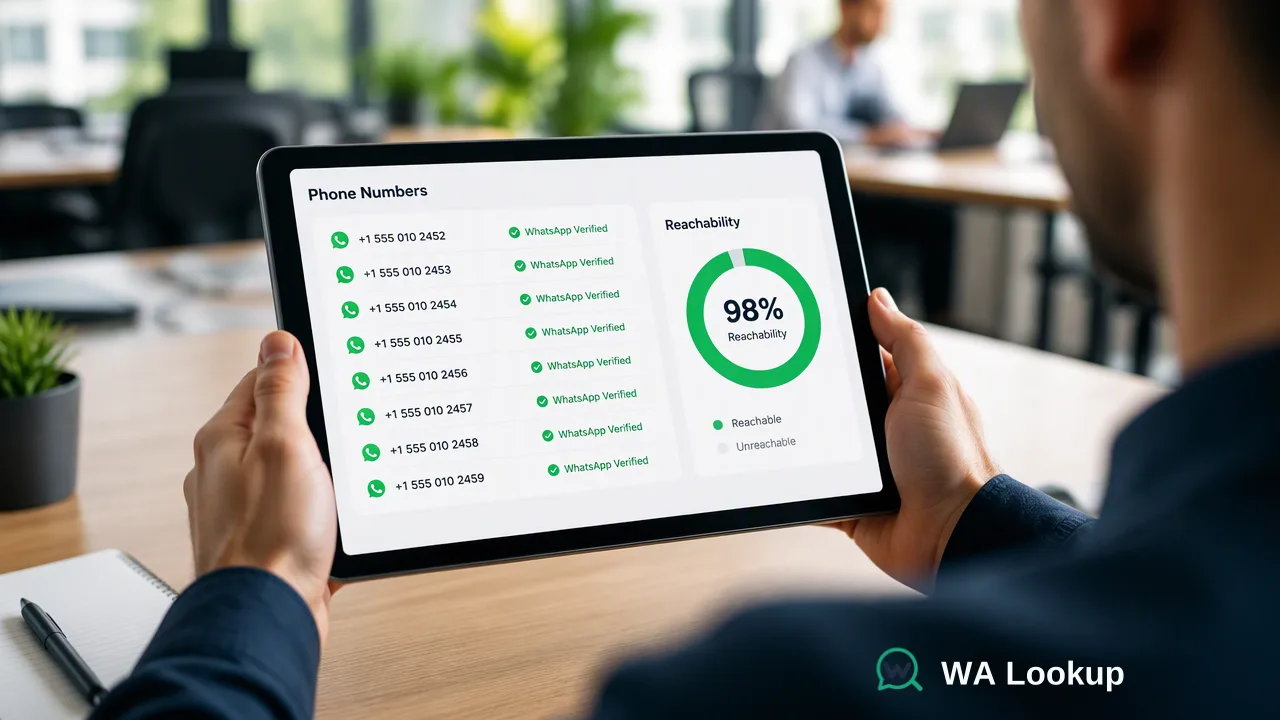
Learn how businesses can utilize the WhatsApp Business API before full Meta verification, manage starter messaging limits, and protect quality ratings through synchronous contact verification.
Businesses can connect to the WhatsApp Business API and begin sending messages immediately without waiting for Meta business verification to conclude. During this preliminary stage, organizations operate within starter messaging limits, which typically restrict outbound reach to 250 unique business-initiated contacts in a rolling 24-hour window. Meta business verification runs asynchronously in the background. Because messaging tier progression and account standing depend on sustaining a high quality rating, organizations must prioritize contact data hygiene and verify platform reachability before dispatching campaigns.
The Path to WhatsApp Business API Access
Many teams assume that full Meta business verification must be finalized before sending a single WhatsApp notification or customer support response. In practice, Meta business verification is an asynchronous process that runs independently in the background while technical onboarding proceeds. Organizations can connect their phone numbers to the WhatsApp Business API through embedded signup workflows or direct API onboarding. Once connected, messaging capabilities activate immediately for initial testing, internal pilot programs, and low-volume production communication. This immediate onboarding enables technical leads and product teams to integrate webhooks, configure message templates, and test operational systems without waiting days or weeks for corporate documentation reviews to complete.
Understanding Starter Messaging Limits and Tier Progression
Operating prior to formal verification places an account inside the starter messaging tier. In this tier, business-initiated messages—such as transactional notifications, appointment alerts, and proactive outreach—are capped at 250 unique recipient phone numbers within any rolling 24-hour window.
| Operational Stage | Messaging Limit | Scaling Criteria |
|---|---|---|
| Starter (Unverified) | 250 unique recipients / 24 hours | Completion of Meta business verification |
| Tier 1 (Verified) | 1,000 unique recipients / 24 hours | High quality rating + reaching volume thresholds |
| Tier 2 (Verified) | 10,000 unique recipients / 24 hours | High quality rating + reaching volume thresholds |
| Tier 3 (Verified) | 100,000 unique recipients / 24 hours | High quality rating + reaching volume thresholds |
| Tier 4 (Verified) | Unlimited recipients / 24 hours | Sustained high quality rating at scale |
Transitioning beyond the starter tier requires two elements: completed business verification and an active track record of quality messaging. When an account steadily sends near its daily quota while maintaining a high quality rating, Meta automatically adjusts the daily limit upward. If message recipients frequently report, block, or delete incoming templates, the account's quality rating drops, which can restrict limit progression or flag the phone number for administrative review.
Prioritizing Data Hygiene Before Verification
Because the starter tier provides only 250 daily outbound slots, recipient data hygiene directly influences onboarding success. Attempting to message landlines, deactivated mobile lines, or numbers that lack WhatsApp accounts wastes limited daily volume allocations and damages delivery metrics. Incorporating a dedicated WhatsApp registration check helps teams audit contact lists before initiating message dispatch. A registration check inspects a submitted phone number to confirm whether an account exists on the platform at that exact moment. Evaluating registration provides an account-presence signal at check time. It informs systems whether a recipient number can receive WhatsApp payloads.
Integrating Real-Time Verification Workflows
Technical teams can embed registration checks directly into CRM ingestion pipelines, signup forms, and messaging dispatch queues using WA Lookup's REST API. Checks execute synchronously, returning immediate account-presence data within the initiating HTTP connection rather than requiring task queues, polling routines, or asynchronous webhooks. Requests are submitted to POST /api/v1/check using the X-API-Key header, Content-Type: application/json, and a JSON body specifying the target identifier and service check type:
ws: The core WhatsApp Checker returns whether the submitted E.164 phone number is registered on WhatsApp.ws_avatar: Inspects WhatsApp registration while checking avatar availability and returning an avatar URL when present (the URL field may return empty if no public image is configured).ws_business: Evaluates registration and returns whether the account is configured as a WhatsApp Business profile.
All submitted numbers must strictly follow standard E.164 format. The API delivers a completed response envelope containing code, msg, and a data object that includes service_type, identifier, and the boolean field registered. If a check cannot be decided, the service returns a non-zero business code rather than an incomplete result. For multi-contact workflows, teams can evaluate up to 100 E.164 identifiers in a single request via the synchronous batch endpoint, which returns completed evaluations for the entire batch together. Usage behavior is governed by documented per-user concurrency and timeout parameters; developers should consult the official API documentation for current system controls. Integrating these automated checks early in the workflow ensures starter quotas are spent exclusively on reachable destinations.
FAQ
Can organizations use the WhatsApp Business API before Meta verification finishes?
Yes. Meta business verification is not a prerequisite for connecting a phone number to the WhatsApp Business API. Teams can initiate testing, configure integrations, and begin low-volume outbound messaging immediately within starter messaging tier constraints.
What messaging limits apply to unverified WhatsApp Business accounts?
Unverified accounts operate under starter messaging limits, typically constrained to 250 unique recipients per rolling 24-hour period for business-initiated conversations. Customer-initiated service conversations remain available to support incoming inquiries.
How do messaging tiers scale over time?
Messaging limits scale automatically once business verification is complete. Scaling depends on maintaining an acceptable quality rating while consistently approaching current tier volume thresholds, prompting Meta to advance the account to higher daily tiers.
What role does a platform registration check serve in messaging workflows?
It helps organizations filter out unregistered numbers before sending, which supports sender quality ratings and avoids wasting starter messaging capacity.
Learn More
Choose the product information that fits the next step in your workflow.