
What Is the WhatsApp Activity-Day Signal?
What the WhatsApp activity-day signal measures, how it differs from online status or last seen, and how to use it for list segmentation.
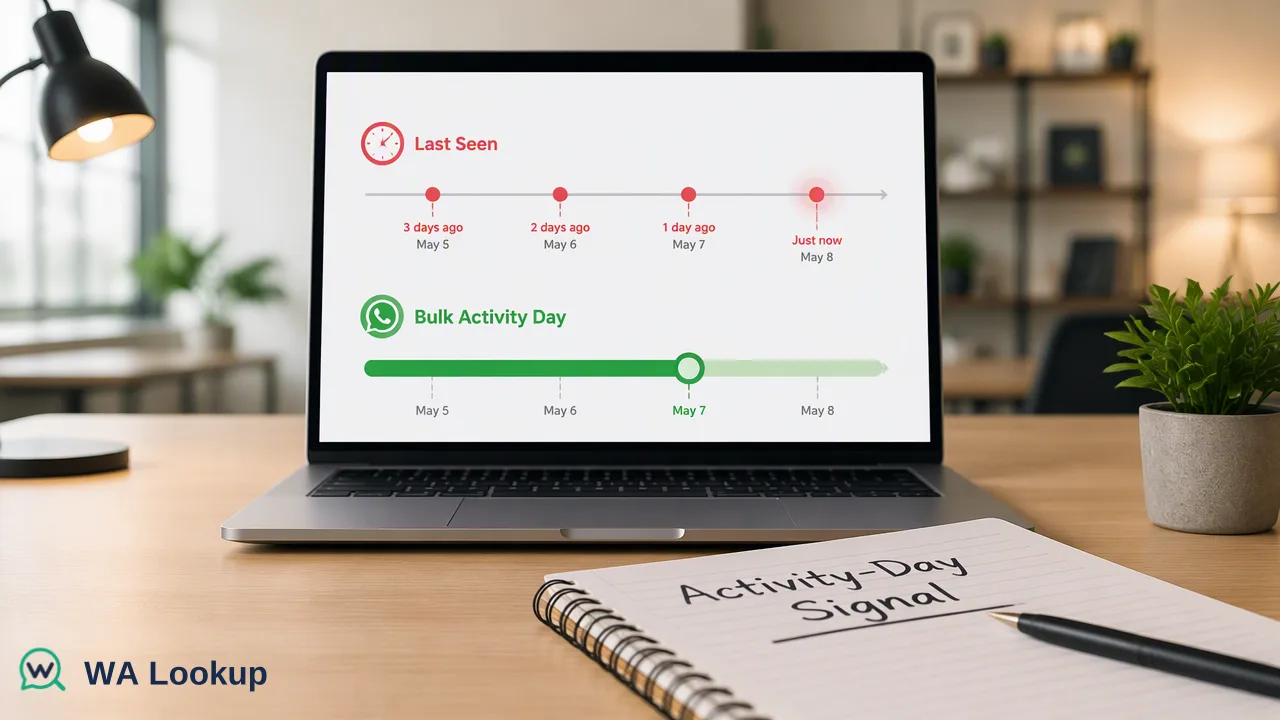
A glossary-style explanation of the bulk activity-day signal, what it means, and where its limits are.
The WhatsApp activity-day signal is a bulk-check value that reports the number of days since a number's last activity. It is a coarse recency indicator for list segmentation. It is not live online status, not a last-seen timestamp, and not evidence that a person read, wanted or will answer a message. It is available through the asynchronous bulk activity task, not through the realtime checks.
Definition: what the activity-day signal measures
In WA Lookup, the activity-day signal comes back from the bulk activity product as a count of days since last activity. A smaller count means the account showed activity more recently; a larger count means more time has passed.
It is easy to confuse with other things people search for, so it helps to be precise:
| Term | Is it the activity-day signal? |
|---|---|
| Online now | No. Activity days are not live presence |
| Last seen timestamp | No. The signal is a day count, not a time |
| Message history | No. Message content and history are not part of it |
| Registration | Separate. Registration says an account existed at check time |
Search results for activity and last-seen topics are dominated by tips for checking someone's status inside the app and by tracking apps. Those rely on what a contact's privacy settings show, and some promoted tools raise real privacy and security concerns. The activity-day signal is a different thing: a bulk list attribute, returned for numbers you submit as a file, with no chat access involved.
How the signal is produced and delivered
The signal is only available as part of the asynchronous bulk workflow. You upload a TXT or CSV file with one number per line, in international format and essentially from one country, receive a task you can poll, and download a result file afterward.
Bulk file tasks do not cover mainland China, Hong Kong or Macau numbers. Per-product limits apply to file size and count, so confirm the current figures in the API documentation before planning a run. As with all completed checks, results are charged once the task completes and processing finishes, with unused reserved balance returned afterward.
Limits you should respect
Because this value is easy to over-read, keep these boundaries in your workflow notes:
- Recency, not intent. A recent activity count does not mean the person wants your message. Consent still decides whether you may contact them.
- Not identity. It says nothing about who the account belongs to or whether the person is the contact you have on file.
- Point in time. The value describes the day of the run. Rerun before a large campaign if the result is old.
- Registration first. Activity is a refinement. Start with whether the number is registered, then use recency to order or segment.
Practical ways to use the signal
Used modestly, recency helps organize a large list:
- Prioritize outreach order. Contact numbers with recent activity in an earlier wave and schedule the rest later, rather than dropping them.
- Spot stale segments. A block of records with large day counts suggests the data is old. Treat it as a prompt to refresh contact details through another channel.
- Cohort reporting. Compare response rates by activity band over time to learn whether the signal is useful for your own audience. Use your own results rather than assuming a relationship.
- Suppress, don't delete. Keep low-recency records in a holding segment instead of removing them, since the signal says nothing about willingness to engage.
Set your own band definitions from your data. No threshold is built into the product, so choose cutoffs that make sense for your sales cycle and test them on a small campaign first.
FAQ
Is the WhatsApp activity-day signal the same as online status?
No. It reports days since last activity from a bulk check. It does not show whether anyone is online now.
Can teams get activity days from a realtime check?
No. The signal belongs to the asynchronous bulk activity product and is unavailable in the three realtime products.
Does a low day count mean a contact will reply?
No. It is a recency indicator only. Consent, relevance and timing still decide whether a message is received or answered.
How should teams handle contacts with a high day count?
Keep them in a separate segment, refresh their details through other channels, and contact them only where a legitimate basis exists.
Learn More
Choose the product information that fits the next step in your workflow.