
Product guidance
How to Verify a WhatsApp Number at Signup Without Blocking Users
Add a background WhatsApp registration check to signup so product teams get a channel signal without slowing the form or blocking new users.
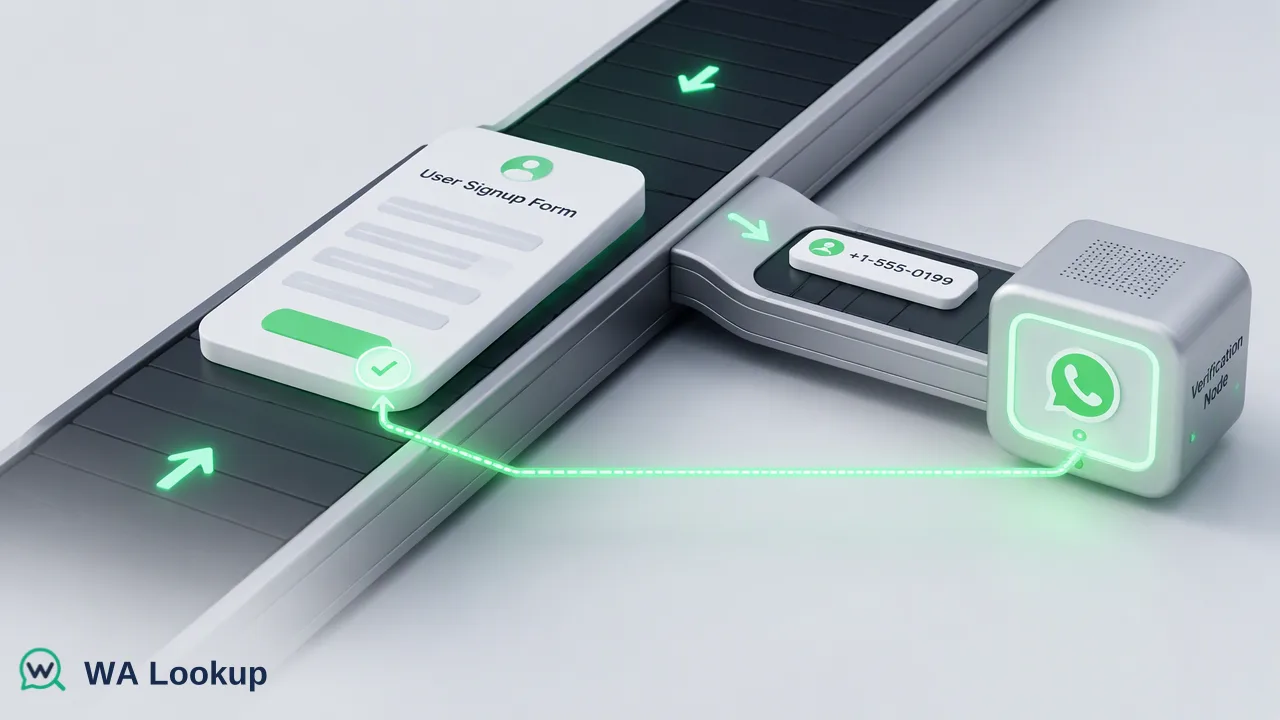
A product-team guide to running a realtime WhatsApp registration check in the background of a signup flow.
To verify a WhatsApp number at signup without blocking users, run a realtime registration check in the background after the form is submitted and store the outcome as a channel signal. Never reject a signup because the check says unregistered or could not be decided.
Why check a WhatsApp number during signup
A registration check at signup turns that guess into a stored signal while the user is still active. It helps onboarding teams choose between WhatsApp, email, or SMS for the first messages, and it gives data teams a dated field instead of a blank.
Be precise about what the signal is. A completed registered result means a WhatsApp account was present for that number at check time. Treat it as one workflow input for channel choice, nothing more.
Design the flow so it never blocks the user
The check should sit beside the signup path, not in it:
- Collect and normalise. Convert the entered number to international format with country code before any check. Format problems are the most common avoidable failure.
- Create the account first. Complete signup without waiting for the check.
- Trigger the check asynchronously from your own backend. The WA Lookup realtime call is synchronous, meaning one request returns one response in the same call, so your backend can fire it from a queue or background job and write the result to the user record when it returns.
- Write a status, not a gate. Store registered, unregistered, or unknown, plus the check date.
- Let downstream tools read the status. The onboarding email or WhatsApp sequence picks its channel from the stored value.
Avoid calling the check from the browser, which would expose your API key. Keep it server-side.
Handle each outcome
| Outcome | What to store | Suggested next step |
|---|---|---|
| Registered | Registered with date | Offer WhatsApp as an opt-in channel |
| Unregistered | Unregistered with date | Use email or SMS; do not show WhatsApp prompts |
| Undetermined | Unknown, retry flag | Retry later; treat as unchecked |
Undetermined responses come back with a non-zero business code. They are not the same as an unregistered result and should never be saved as one. A short delayed retry in your job queue is usually enough.
Both completed outcomes, registered and unregistered, are charged. To control spend, check once per distinct number, skip numbers already checked recently, and avoid re-running the check on every login.
Privacy and messaging rules
Checking registration is not permission to message. Collect explicit opt-in for WhatsApp communication in the signup flow, document the purpose of the lookup in your privacy notice, and honour opt-outs on every channel. Keep the stored field minimal: a status and a date are enough for routing.
If your product team wants a quick trial, registered users can contact support to receive 100 free checks. For billing questions, see the pricing page, and for endpoint details use the current API documentation. Teams building in an AI client can also use the same account through the WA Lookup MCP server to test sample numbers before writing integration code.
FAQ
Should signup be rejected when a number is not on WhatsApp?
No. An unregistered result only says no WhatsApp account was present at check time. Many valid users reach you by email or SMS, so use the result to choose a channel.
How can teams keep the check from slowing signup?
Run it from the backend after the account is created, using a queue or background job, and store the outcome on the user record when it returns.
How can teams use the stored registration status after signup?
Use it to pick the first outreach channel and to decide whether to show WhatsApp opt-in prompts. Keep the check date next to it so the signal can be refreshed.
What if the check cannot be decided?
Store the number as unchecked and retry later.
Learn More
Choose the product information that fits the next step in your workflow.