
Product guidance
The ws_avatar Service Type: Request, Response and Field Reference
A field-level reference for WA Lookup's ws_avatar service type: the synchronous request contract, the response fields, and what avatar and avatar_url carry.
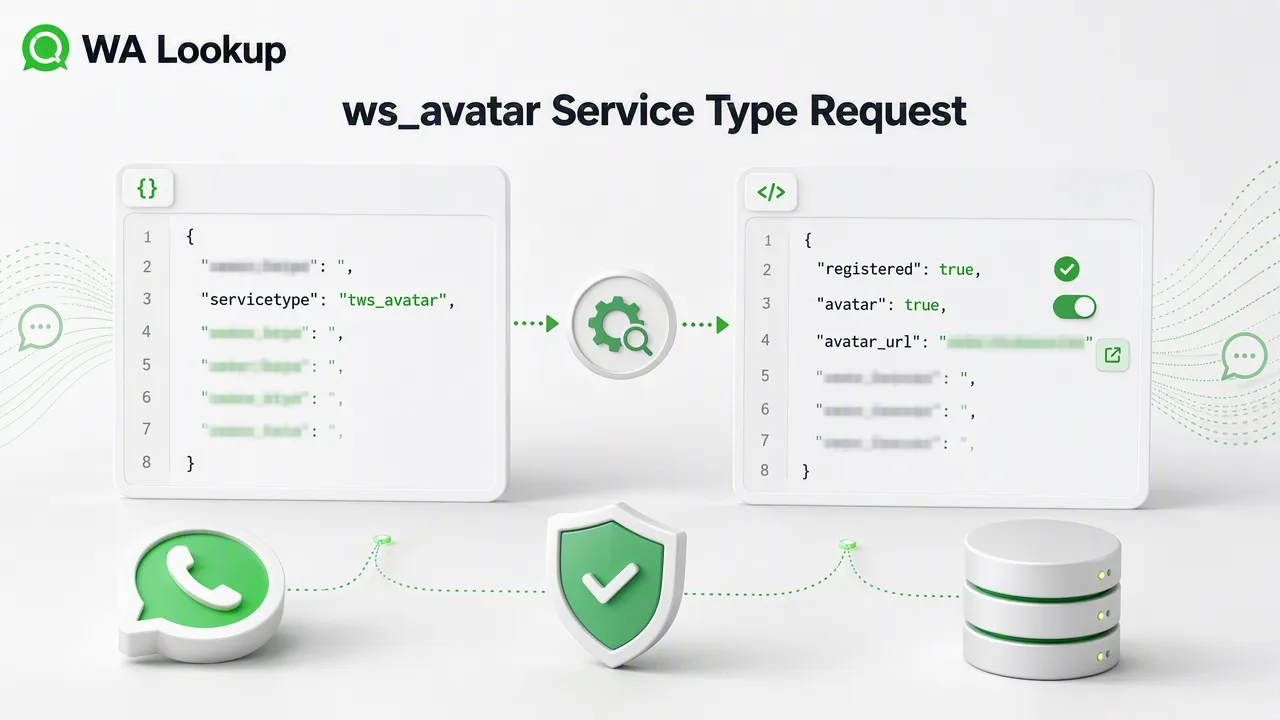
WA Lookup exposes its WhatsApp checks through a single synchronous call, and the service_type value decides which check runs. This is the field-level reference for the ws_avatar variant.
To run a WhatsApp avatar check with WA Lookup, send POST /api/v1/check with the X-API-Key header and a JSON body of {"service_type": "ws_avatar", "identifier": "<E.164 number>"}. The response returns the standard check fields plus an avatar boolean and an avatar_url string; avatar_url is an empty string when no URL is available.
The request contract
WA Lookup documents one synchronous call, POST /api/v1/check, sent with the X-API-Key header and Content-Type: application/json. The body carries exactly two values: service_type, which selects the check, and identifier, which must be the phone number in E.164 format. Submitting a number in a local format is the most common cause of an avoidable failure, so normalize before you send.
The response fields you always get
For a completed WhatsApp check, the returned data contains service_type, identifier, and registered; ws_avatar also includes avatar and avatar_url, while ws_business includes business. Internal record, transaction, status, and billing fields are not returned.
The two fields ws_avatar adds
Choosing service_type=ws_avatar adds an avatar boolean and an avatar_url string. The avatar boolean reports whether an avatar was detected. The avatar_url field is always present in a successful ws_avatar response and is an empty string when no URL is available. Keep it separate from the avatar boolean because the two fields answer different questions.
Everything arrives in one response
Because the call is synchronous, the registration and avatar fields come back in the same HTTP response as the request. There is no job identifier to store and no status route to poll, which keeps the integration to a single call and a single error path. Code written for a polling API usually has structure that can simply be deleted here.
FAQ
How should I handle avatar_url?
The avatar_url field is always present in a successful ws_avatar response. Store an empty string as “no URL available”; do not use it as a substitute for the avatar boolean.
What number format does identifier require?
E.164. Normalizing before submission avoids the most common category of failed checks.
Do I need a second call to get the registration status?
No. ws_avatar returns the registration field alongside the avatar fields in the same response.