
Product guidance
Optimizing WhatsApp Outreach: A Technical Guide to List Hygiene and Verification
Learn how to support WhatsApp sender reputation management by verifying registration status and account types using synchronous API checks.
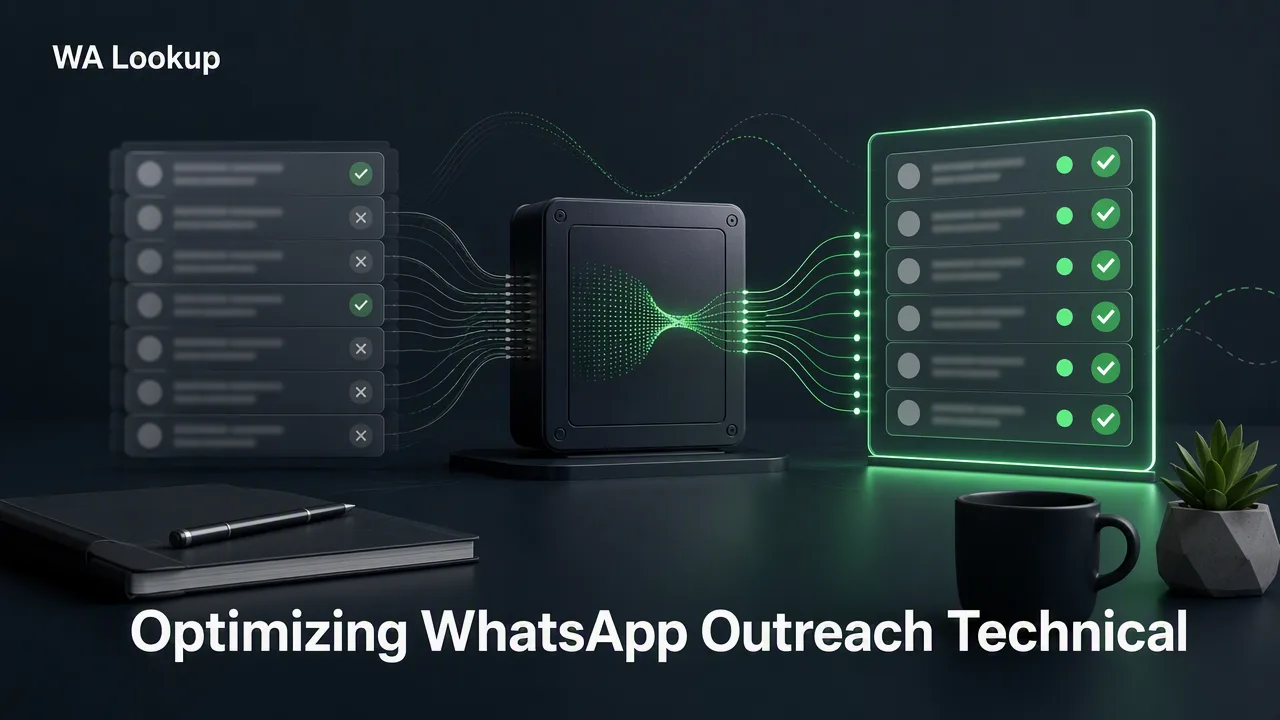
Learn how to support WhatsApp sender reputation management by verifying registration status and account types using synchronous API checks.
Maintaining a healthy WhatsApp sender reputation requires proactive list hygiene. By verifying that phone numbers are registered on WhatsApp before initiating outreach, businesses can reduce invalid traffic and support better segmentation. Using a synchronous verification tool like WA Lookup helps teams check registration status, avatar availability, and business account types in the same HTTP response. This account-presence signal informs internal decisions, ensuring your contact lists remain accurate and optimized for your specific communication workflows.
The Role of List Hygiene in WhatsApp Messaging
Effective WhatsApp sender reputation management relies heavily on the quality of the contact data being processed. When organizations attempt to route messages to phone numbers that are not registered on the platform, it creates unnecessary workflow friction and can impact overall sender metrics. Proactive list hygiene helps teams review and filter their contact databases before initiating any outreach campaigns. By integrating a WhatsApp registration check into your data preparation phase, you can confirm whether a specific phone number is currently registered on the WhatsApp platform. This account-presence signal can be one input alongside other checks to support prioritization and segmentation. Rather than relying on outdated records or assuming all collected phone numbers are active on the messaging app, technical operations teams can use verification data to clean their lists. This approach supports more efficient resource allocation and helps maintain a streamlined communication channel tailored to valid, registered accounts.
Automating Verification with Synchronous API Workflows
Modern data workflows require efficient, low-latency tools to process contact lists. WA Lookup supports this by providing synchronous verification. In a synchronous workflow, the verification result is returned in the same HTTP response as the request. This architecture eliminates the need for complex asynchronous polling, webhooks, or delayed jobs, allowing developers to integrate the check directly into real-time data ingestion or CRM update pipelines.
WA Lookup offers three distinct products to support different levels of profile enrichment, all accessible via the documented POST /api/v1/check endpoint. The ws service type provides a straightforward registration check to confirm if a number is on WhatsApp. The ws_avatar service type checks registration and also returns avatar availability and an avatar_url field, which is empty when no URL is available. Finally, the ws_business service type checks registration and identifies whether the account uses WhatsApp Business. This flexibility allows teams to select the specific account-presence signal that best informs their internal decisions.
Implementing WhatsApp Number Checks
Integrating WA Lookup into your infrastructure requires following a specific, documented request contract. All verification requests are routed through the POST /api/v1/check endpoint. To authenticate the request, developers must include the X-API-Key header containing their unique API key, along with a Content-Type: application/json header.
The JSON body of the request requires two specific fields. First, the service_type must be defined as ws, ws_avatar, or ws_business, depending on the required data. Second, the identifier field must contain the submitted phone number formatted according to the E.164 international standard. E.164 formatting ensures that the country code and subscriber number are unambiguously parsed, which is critical for accurate global verification.
The documented request payload structure is strictly defined as {"service_type": "<ws|ws_avatar|ws_business>", "identifier": "<E.164 number>"}. By adhering to this exact contract, technical teams can seamlessly pass phone numbers from their internal databases to the WA Lookup API and receive immediate, actionable data to support their list hygiene processes.
Interpreting the Account-Presence Signal
For a completed WhatsApp check, the returned data contains service_type, identifier, and registered; ws_avatar also includes avatar and avatar_url, while ws_business includes business. Internal record, transaction, status, and billing fields are not returned.
The specific data points returned depend on the selected service_type. A standard ws check returns only the registered field. If ws_avatar is selected, the response adds an avatar boolean and an avatar_url string (empty when no URL is available). If ws_business is selected, the response adds a business boolean.
It is important to understand the boundaries of this account-presence signal. A registered result reports the WhatsApp status fields available at the time of the check. It does not report live presence, message history, contact consent, or whether the number can be contacted. The signal strictly informs teams about platform registration and profile configuration, serving as a foundational input for broader CRM enrichment and routing logic.
Managing Costs and Dashboard Reporting
Failed, timed-out, and undetermined checks do not retain the charge. See the pricing page for current billing details. Beyond the API, WA Lookup provides a comprehensive web dashboard to help administrators monitor their verification activity. The dashboard supports API key management and provides real-time visibility into the account balance. Users can access detailed check history, product-level reporting, and logs of recent checks. Additionally, the dashboard displays balance spend and account activity, giving operations teams the necessary context to track usage patterns, audit API consumption, and optimize their overall verification strategy.
FAQ
What does a WhatsApp registration check verify?
A WhatsApp registration check confirms whether a submitted phone number is currently registered on the WhatsApp platform. The registered result reports status fields available at the time of the check. It does not report live presence, message history, consent, or whether the number can be contacted.
How does synchronous verification fit into a workflow?
Synchronous verification means the result is returned in the same HTTP response as the request. This allows developers to receive immediate feedback without relying on asynchronous polling or webhooks, making it easier to integrate the check directly into data ingestion or list hygiene processes.
Can I check if a number is a WhatsApp Business account?
Yes, you can check for a WhatsApp Business account by submitting a request to the POST /api/v1/check endpoint with the service_type set to ws_business. This returns a business boolean alongside the standard registration status.
What happens if a verification check fails?
Failed, timed-out, and undetermined checks do not retain the charge. See the pricing page for current billing details.