
WhatsApp Profile Picture API: Checking Avatar Availability by Number
Use WA Lookup’s synchronous Avatar Check to assess WhatsApp profile-image availability, then store registration and avatar observations separately in a CRM.
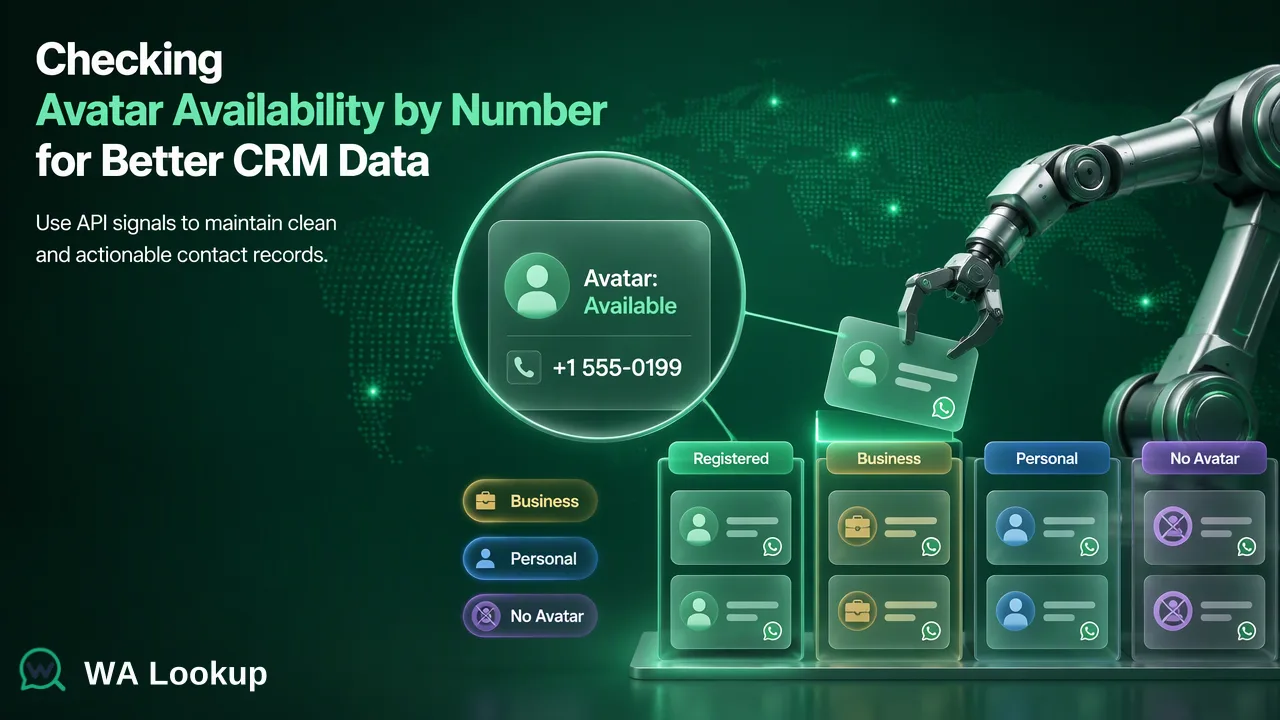
A developer-focused workflow for avatar availability without identity claims.
A WhatsApp profile picture API search usually asks whether a submitted number has a visible profile image. WA Lookup’s WhatsApp Avatar Check uses the documented realtime check endpoint and returns registration plus avatar availability in the same response. A profile image signal is useful as a dated workflow input, but it does not verify the person behind the number.
Start with the correct profile-image question
A contact-data developer may need to know whether an authorized CRM record has an available WhatsApp profile image. That is different from retrieving an identity document, authenticating the contact, or reading private account content. Define the destination field accordingly: “avatar available when checked,” not “verified person.” The distinction makes the result useful without giving it more meaning than it carries.
The WA Lookup API reference describes WhatsApp Avatar Check as a selected realtime service. It also checks registration for the submitted number. The documented avatar signal indicates image availability, while its URL can be empty. Do not derive a reason for an empty URL from undocumented backend mechanics. A missing image should be treated as an image-availability observation, not a separate verdict about registration.
Before integrating, decide whether the use case needs a one-off dashboard review or an API step in a controlled CRM process. The dashboard lets an operator inspect an individual number first. A backend integration becomes useful when the team has a repeatable, authorized intake or review event and can maintain clear result provenance.
Use the documented realtime API contract
For one number, the documented method is POST /api/v1/check. Select ws_avatar with service_type and provide an E.164 phone number in the phone field. The REST API authenticates with X-API-Key. The result comes back in the same response, which is a request-flow fact rather than a promise about latency. Keep the key server-side and consult the current API documentation for the exact request and response contract before deployment.
The API multi endpoint, POST /api/v1/batch-check, handles a synchronous small group of up to 100 numbers. It is distinct from an asynchronous bulk file task; the multi result is returned with the initiating request. The dashboard Realtime Batch Check tab accepts pasted numbers for operator-led checks. A team should choose based on who owns the action and how results are reconciled with source records, not merely on whether a web page or API is available.
Do not invent a callback, polling loop, downloadable file, or task identifier for the realtime avatar check. Those concepts belong to separate asynchronous file workflows. Similarly, an integration should not assume the avatar result uses the same meaning as the Business Account Check simply because both checks are reachable through the same endpoint.
Map results to CRM fields carefully
The developer can keep the original CRM record ID, normalized submitted number, selected service, check date, and the relevant observations. These mapping fields are a customer-controlled design suggestion. WA Lookup documents registration, avatar availability, and an avatar URL for this selected check. The URL may be empty; an empty URL should not be replaced with a guessed image or represented as evidence that no account exists.
The safest data model separates three states: a completed account-presence result, the accompanying avatar observation when applicable, and a check that could not be decided. The third state should go to operational review. WA Lookup’s public API reference distinguishes an undetermined result from a completed not-registered result. A CRM import that collapses those states into a single false value loses meaning and can contaminate future segmentation.
If the organization chooses to store an image URL, decide internally who may view it, when it should be refreshed, and whether downstream systems truly need it. Those are local data-governance decisions rather than automatic capabilities of the check. Store the time of observation so a later analyst can see that it was a snapshot, not a permanent profile attribute.
Use the signal in a narrow workflow
An avatar signal can help a team organize a manual profile-data review for contacts who already belong in its CRM. It should not be used as a proxy for trustworthiness, legal identity, contact consent, or likelihood of response. WhatsApp’s account registration guidance makes clear that phone-owner registration is a separate process. The API observation does not perform that process for the list owner.
A practical review sequence is to check the source number and country, confirm the check completed, associate its registration and avatar observations with the right CRM record, and hold ambiguous outcomes for review. If multiple source records share a number, use the team's own reconciliation rule instead of assuming the profile belongs to a particular person. If the purpose shifts from avatar availability to business account type, run the specifically named Business Account Check; do not infer business status from the presence or style of an image.
This separation answers the developer’s real question: the integration produces a dated, scoped observation that can be joined to a source record. The value comes from preserving the check’s meaning across systems, not from turning a profile image into an unsupported identity or outreach claim.
FAQ
How can developers check a profile picture for one number?
Use the documented WhatsApp Avatar Check through the realtime single-number endpoint, selecting its service type and an E.164 number. Read the current API reference for exact request details.
Can the avatar URL be empty?
Yes. The documented URL may be empty; the team should retain the separate registration and avatar observations rather than infer why the URL is unavailable.
Can teams check several numbers in one synchronous request?
Yes. The API multi endpoint supports a documented small-group request and returns its result in the initiating response.
Learn More
Choose the product information that fits the next step in your workflow.