
WhatsApp Number Search: What a Phone Number Can Tell a Team
A WhatsApp number search can tell a team whether a number has a WhatsApp account-presence signal at check time. Depending on the selected check, WA Lookup ca
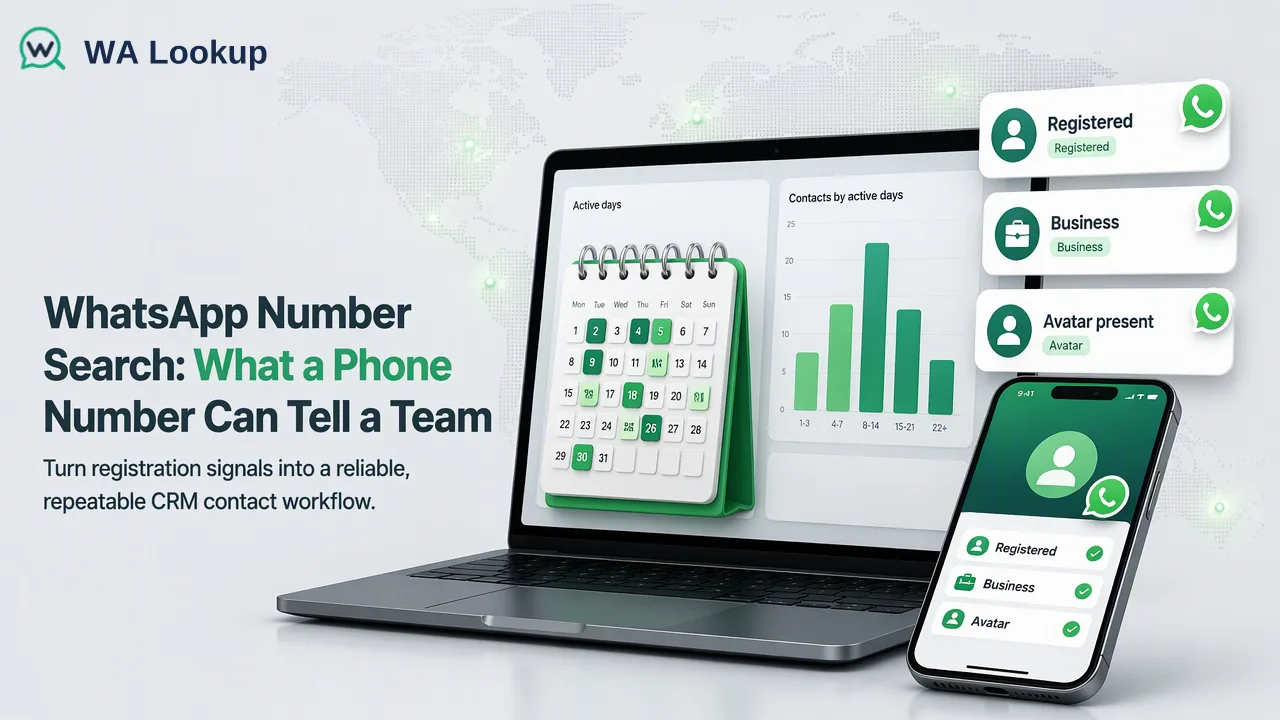
A WhatsApp number search can tell a team whether a number has a WhatsApp account-presence signal at check time.
A WhatsApp number search can tell a team whether a number has a WhatsApp account-presence signal at check time. Depending on the selected check, WA Lookup can also report public avatar availability or whether the account uses WhatsApp Business. Those findings help organize contact records, but they do not establish who controls the number, whether outreach is permitted, or whether a message will be delivered.
Start with the question behind the search
A sales team may say it wants to “search a number” when its real question is whether WhatsApp is a plausible channel for a lead. A CRM administrator may need to label stale records for later review. A support team may want to know whether a submitted number appears to have a WhatsApp account before choosing a follow-up route. These are related but not identical tasks. Write the intended decision beside the lookup before selecting a product, because the result should answer that decision and no more.
The basic WhatsApp registration check is the smallest signal: account presence for one country-coded phone number at the time of the check. It does not search conversations, identify a person, reveal a contact's private activity, or obtain permission to send marketing. A positive result is not a promise that the user will read or answer a message. A negative result is not evidence that the lead is fake. The team should retain the check date so a later reviewer knows the result was a snapshot, not a permanent property of the number.
Separate account presence from avatar and business type
WA Lookup has three realtime check products. The registration product answers the account-presence question. The avatar check adds public avatar availability where applicable. The Business account check adds whether a number uses a WhatsApp Business account. Select the extra signal only when it helps a defined task; an avatar or Business label should not be treated as a substitute for the basic registration result.
An unavailable avatar does not mean the number is unregistered. A Business account type is not a verified legal entity or proof that the account represents the company named in a lead record. WhatsApp's help on verified business accounts describes a separate verification process and badge. The presence of a Business account type in a lookup should therefore stay separate from any verified-badge claim. This distinction matters in vendor screening and customer support, where an attractive profile can otherwise be mistaken for independent validation of a business relationship.
Choose a check that fits the contact workflow
For a newly submitted number, a realtime single check can be placed after the team has captured the number and before it assigns the next internal task. The dashboard and REST API use the same account balance. A developer integrating the single check can consult the WA Lookup API documentation for the current request and result contract. The documented realtime flow returns a result in the initiating response; it is not a file task that must be polled or downloaded. Do not build an integration around guessed payload fields copied from an unrelated checker.
For a short list, the API supports a synchronous multi request and the dashboard supports a pasted-number Realtime Batch Check. For a much larger existing list, an asynchronous TXT or CSV file task is a separate workflow: prepare the list, submit it, wait for completion, and download the result. The current article is about what the lookup means, so the file option should be chosen for list operations rather than used as a default for every contact. Keep the product selection and check time with the record so a future analyst can interpret the result.
Read results without collapsing uncertainty
A completed registered result means account presence at check time; a completed unregistered result means the selected registration check did not find that presence then. Both are decided check outcomes. An undetermined or service-error outcome is different. It should remain in a separate “unknown” bucket for review or an allowed retry, not be written to the CRM as “not on WhatsApp.” This separation is operationally important because a team may otherwise suppress a valid contact or misreport list quality.
Set a small result vocabulary in the team's own contact system: checked and present, checked and absent, unknown, and not checked. Add a timestamp and the selected product. If a CRM already has a generic “WhatsApp valid” field, consider whether that name overstates what the signal says. A label such as “WhatsApp presence checked” makes the evidence scope more visible. The value can inform routing or prioritization, but a final outreach decision still depends on the team's consent and channel policy.
Use the signal in a responsible contact record
A useful record keeps the original submitted phone number separate from the check result and from any human assertion about the person. Recheck when the workflow genuinely needs a fresh snapshot; do not treat an old presence result as permanent. If a number changes hands or an account changes, a historical lookup may no longer describe the current situation. The team should define its own review cadence by record type and business purpose rather than presenting a universal interval as a property of the check service.
If the team sees a Business account result, it can route the record to a business-contact review, but should verify the organization through its own established process before relying on the claimed identity. If a public avatar is available, its existence may be useful context but does not identify the owner or grant permission to reuse the image. If the signal is absent, an alternative contact route may be appropriate if the team has a lawful basis and a reliable channel. These are internal decisions informed by the lookup, not outcomes guaranteed by it.
Answer the question the search cannot answer
A WhatsApp lookup cannot prove consent to message, ownership of a number, current online presence, or future delivery. Those require separate evidence or a different workflow. Ask for consent through the appropriate customer interaction, use an authenticated process when control of a number matters, and measure delivery through the messaging system rather than inferring it from registration. Keeping these questions distinct avoids turning a simple contact signal into an unsupported claim.
The most useful search result is therefore a modest one: a clearly dated account-presence observation, with optional avatar or Business type only if selected and relevant. It belongs beside the team's own contact source and decision notes. When the record is revisited, another analyst should be able to tell what was checked, what the response meant, what remained unknown, and why the next action was chosen.
FAQ
How can teams search a WhatsApp number in a repeatable workflow?
Use a documented realtime check for the submitted country-coded number, keep the selected product and check date, and map the result to a narrow contact-record status.
Does a Business account result verify a company?
No. It describes account type. Verified badges and company due diligence are separate questions.
What does a missing avatar mean?
It means the selected check did not report public avatar availability. It does not turn a registration result into an unregistered result.
How should teams treat an undetermined check?
Keep it distinct from a completed negative result and apply a defined retry or review rule.
Learn More
Choose the product information that fits the next step in your workflow.