
WhatsApp Number Details: What a Check Can Return for Your Contact Records
Which WhatsApp number details a check can add to a CRM record, how to store each one with a check date, and how teams turn them into workflow rules.
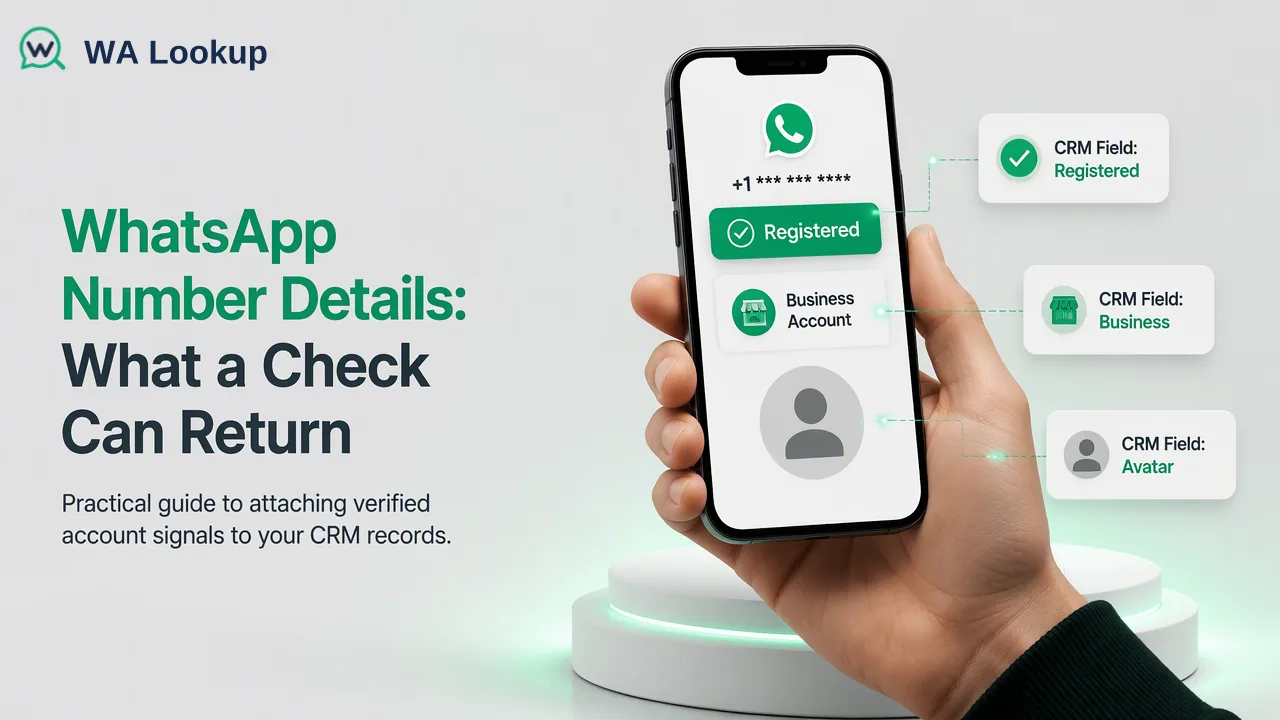
A practical guide to the WhatsApp number details a team can attach to contact records and how to store and use each one.
The WhatsApp number details a business can attach to a contact record are narrow but useful: whether the number had a registered WhatsApp account when it was checked, whether that account showed a profile photo, whether it was a WhatsApp Business account, and, for list-level file tasks, how many days had passed since the account was last active. Each detail is a dated workflow input for segmentation and routing. Storing every value with its check date, and keeping the four details in separate fields, is what makes them useful later.
What people mean by WhatsApp number details
Search results for "WhatsApp number details" mix three different needs. Some pages explain how a person finds their own number in the app settings. Some describe a provider's records for a business sender number, such as display name and quality rating, which belong to the WhatsApp Business Platform and the sender's own account. The third need, and the one this guide covers, is a sales or CRM team asking what it can learn about the numbers already sitting in its contact list.
For that third need, the useful answer is a short list of account-level signals that a check returns for a submitted number. They describe the WhatsApp account attached to the number at the moment of the check. They are not a profile dump, and a team gets the most value by treating them as structured fields rather than free-text notes.
Before any check, the number itself should be clean: international format with a country code, no local trunk prefix, no spaces or punctuation. The ITU-T E.164 recommendation defines that international numbering structure, and most check failures in practice start with a local-format number that was never normalized.
The WhatsApp number details a check can attach to a record
WA Lookup offers three realtime checks for a single number or a small set of numbers, plus a file-based bulk option that adds one more signal. The realtime checks return in the same response as the request; the bulk file option is processed in the background and returns a downloadable result file.
| Detail | Where it comes from | What it describes | Typical CRM use |
|---|---|---|---|
| Registration | WhatsApp Registration Check (realtime) or bulk registration file task | Whether a WhatsApp account was present for the number at check time | Channel choice and routing |
| Avatar availability | WhatsApp Avatar Check (realtime) or bulk avatar file task | Whether a profile photo was visible, with an image link that may be empty | Profile completeness scoring |
| Account type | WhatsApp Business Account Check (realtime) or bulk business file task | Whether the account is a WhatsApp Business account | B2B and B2C segmentation |
| Activity days | Bulk activity file task only | Days since the account was last active | Dormancy segmentation |
Registration check
Registration is the base detail. A decided result says whether a WhatsApp account was present for that number when it was checked. It is the field most teams use first, because it decides whether WhatsApp is a realistic channel for that contact at all.
Avatar check
The avatar check adds whether a profile photo was available and a link to it, which can be empty. It supplements registration: an account without a visible photo can still be a registered account, so the avatar field should never overwrite the registration field.
Business account check
The business check adds whether the account is a WhatsApp Business account. It describes account type only. It is useful for separating likely B2B contacts from consumer contacts, but it is not a check of company registration or permission to contact.
Activity days is different from the three realtime details: it comes only from the bulk activity file task and describes days since last activity, not live online status.
How to store each detail in the CRM
The most common data-quality problem is not a wrong result but a result stored without context. A practical field design looks like this:
- WhatsApp registered as a three-state picklist: Registered, Not registered, Not yet decided. Keep the third state for checks that could not be decided, so a temporary failure never looks like a negative answer.
- WhatsApp checked on as a date field, updated every time a decided result is written. Without it, nobody can tell whether a value is from last week or last year.
- WhatsApp photo available as a separate checkbox or picklist, plus an optional URL field for the image link. Leave the URL blank when the link is empty instead of writing placeholder text.
- WhatsApp Business account as its own picklist, written only when the business check was the selected check.
- Days since last activity as a number field with its own date, filled only from bulk activity results.
- Check source as a short text or picklist (dashboard, API, bulk file), which helps admins audit where a value came from.
Two rules keep the fields honest. First, never derive one field from another: a missing photo says nothing about registration, and a non-business result says nothing about whether the contact is a private person. Second, only write a value when the check returned a decided result for that specific detail. An undetermined or error response should leave the existing value alone and flag the record for a later retry.
Turning the details into workflow decisions
Once the fields exist, they can drive simple, auditable rules. Teams typically start with three:
- Channel routing. Contacts marked Registered with a recent check date go into WhatsApp-eligible sequences; contacts marked Not registered go to email, SMS or phone sequences. The check informs the channel choice; consent and messaging rules still apply separately.
- Segmentation. A WhatsApp Business account flag helps sales teams separate likely business contacts from consumer contacts when the lead source is mixed. Avatar availability can be one input into a profile-completeness score, alongside job title, company and email.
- Dormancy handling. For large lists, the bulk activity signal helps teams move contacts with a long gap since last activity into a lower-priority or re-confirmation segment instead of sending to everyone equally.
Keep the rules visible to the people who use them. A sales rep who sees "Registered, checked 3 days ago" on a record makes better decisions than one who sees an unexplained green tick.
For volume, match the method to the job. A rep checking one inbound lead can use a realtime single check in the dashboard. An admin refreshing a few hundred records can paste them into the dashboard batch check, and a backend can send small batches through the API. Very large lists are better handled as a bulk file task: upload a TXT or CSV file with one number per line, wait for processing, then download the result file and import it. Per-product limits apply, so check the current API documentation before planning a large import.
Keeping the details current
Every detail is a snapshot. People change numbers, switch from a personal to a business account, remove photos, or stop using an account. WhatsApp's Help Center also explains that inactive accounts can be deleted after a period without use, so an old Registered value can drift out of date.
A simple refresh policy is enough for most teams:
- Check new leads when they enter the CRM, before they are assigned.
- Re-check a segment before a campaign if its check dates are older than the team's chosen window.
- Re-check a single record when a send fails or a rep reports a wrong number.
Record the refresh window as an internal choice in the CRM documentation, so admins and sales leaders apply the same rule.
Common mistakes when attaching WhatsApp details to contacts
- Overwriting registration with avatar or business results. Each check describes its own detail; store them in separate fields.
- Treating an undetermined check as Not registered. It is a missing answer, not a negative one. Retry later and keep the previous value.
- Dropping the check date. A value without a date cannot support a refresh rule or an audit.
- Checking unnormalized numbers. Local formats and missing country codes produce failed or misleading checks; normalize to international format first.
- Mixing countries in one bulk file. Bulk files should contain numbers essentially from the selected country, so split mixed lists by country before uploading.
- Using activity days as live status. It is a count of days since last activity from a bulk task, useful for dormancy segments, not for deciding whether someone is online right now.
- Letting details replace consent records. Channel signals and consent are different fields with different owners. Keep both.
FAQ
Which WhatsApp number details can teams add to a contact record?
Teams can add registration at check time, profile photo availability with an optional image link, WhatsApp Business account type, and, from bulk activity file tasks, days since last activity. Each should be stored in its own field with a check date.
How should a CRM store a check that could not be decided?
Keep a separate Not yet decided state or leave the existing value unchanged, and flag the record for retry. Writing it as Not registered would misroute the contact.
How can teams check details for thousands of numbers at once?
Use a bulk file task: upload a TXT or CSV file with one number per line for the selected country, wait for processing, and download the result file. Smaller sets can use the dashboard batch check or API multi requests.
How often should WhatsApp details on contact records be refreshed?
Check new leads on entry, re-check segments before campaigns when their check dates fall outside the team's chosen window, and re-check individual records after a failed send or a wrong-number report.
Learn More
Choose the product information that fits the next step in your workflow.