
WhatsApp \"Checked Too Many Numbers\": Why It Happens and What Teams Use Instead
Why WhatsApp pauses number lookups after many attempts, what to do when it happens, and how business teams check lists without a personal account.
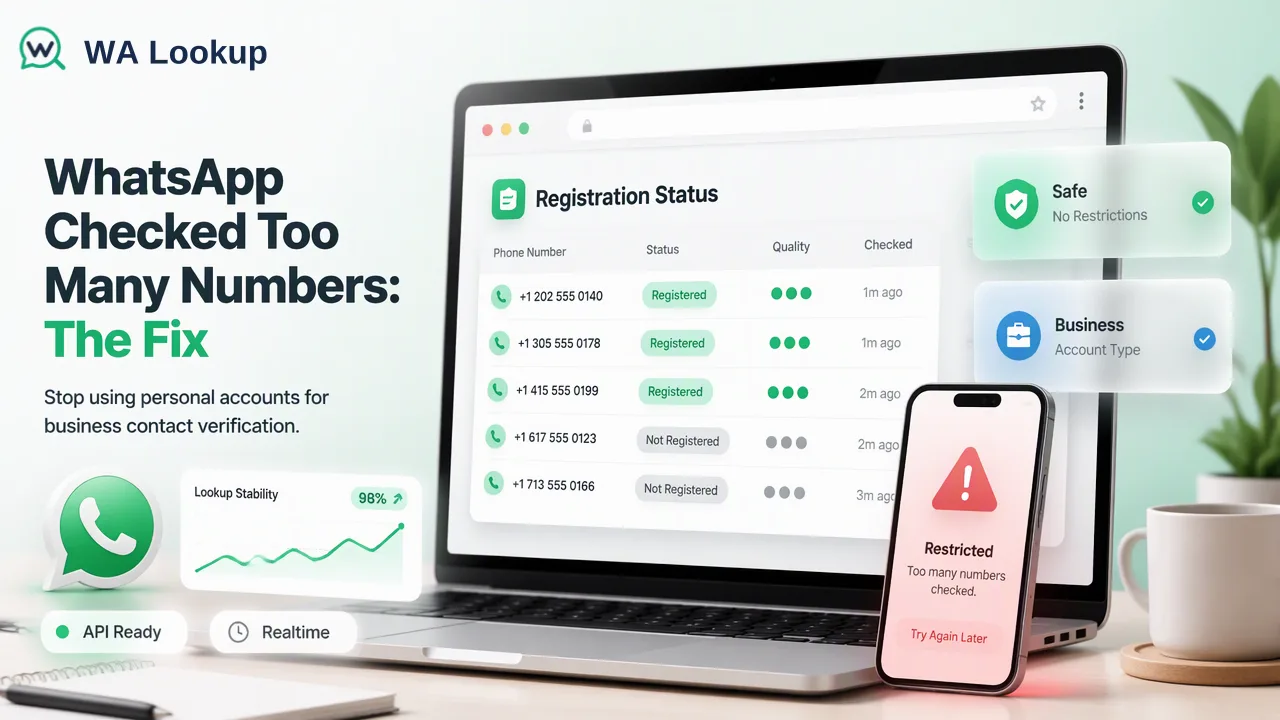
Explains the WhatsApp "checked too many numbers" notice, why personal-account lookups do not scale for business lists, and which dedicated checking options fit each list size.
WhatsApp shows a "checked too many numbers" notice when one account looks up or adds many phone numbers in a short time, and it temporarily stops checking new numbers. The pause is a limit on lookups from that account; waiting usually lets ordinary use continue, and WhatsApp does not publish the exact threshold or duration. If you are hitting the notice because you are working through a business contact list, the lasting fix is to stop using a personal account for that job and run registration checks through a dedicated service instead.
Why WhatsApp says you checked too many numbers
Every time you type a number into WhatsApp's "New contact" screen or sync a new address book entry, the app asks WhatsApp's servers whether that number has an account. That lookup, called contact discovery, is how the app knows to show "This phone number is on WhatsApp" or offer an invite instead. WhatsApp describes this flow in How to add a contact.
Because contact discovery answers questions about any number, it can be misused to map who uses WhatsApp at scale. Security researchers documented exactly that risk in the 2025 paper Hey there! You are using WhatsApp: Enumerating Three Billion Accounts for Security and Privacy, and the updated version notes that the vendor added rate limiting in response. A limit on how many numbers one account can look up in a short window is the visible result of that kind of protection.
So the notice does not mean you did anything wrong with a single contact. It means the volume of lookups from your account looked unusual for personal use.
What to do when the notice appears
If you only wanted to add a few contacts:
- Stop adding or searching numbers for a while. Repeating the lookup straight away does not help.
- Fix the number format before trying again. Use the plus sign and country code with no leading zero, as described in About international phone number format, so each later attempt counts.
- Open a single chat with a link if needed. A click to chat link opens a conversation with one number without saving it to your contacts.
- Avoid "unlimited checker" mods and scripts. Altered WhatsApp clients and automation tools that drive your personal account can lead to restrictions or bans; WhatsApp explains this in About unsupported apps and About account bans.
WhatsApp separately describes restricted accounts: when activity looks like bulk or automated use, an account can be limited from starting new chats for a period. Pushing past the lookup notice with more attempts moves an account closer to that kind of review, so the safer response is to change the method rather than the volume.
Why a personal account does not scale for business lists
Teams usually run into this notice when someone tries to answer a business question with a phone: "which of these 2,000 leads have WhatsApp?" Doing that through a personal account has several problems beyond the pause itself:
| Issue | What happens with manual contact saving |
|---|---|
| Volume | Lookups are paused after a burst, so a long list takes days of stop-and-start work |
| Data mixing | Prospects end up in a personal address book and synced backups |
| Account risk | Patterns that look automated can attract restrictions on the account the person relies on |
| No record | Nothing stores which numbers were checked, when, or what the answer was |
| Policy | WhatsApp's Terms of Service and its guidance on harvesting personal information prohibit automated collection through the app |
The underlying need is legitimate: knowing which channel to use for each contact before outreach. It just belongs in a data workflow, not inside someone's chat app.
What teams use instead: dedicated registration checks
A registration check service answers the same question, whether a number has a WhatsApp account at check time, without using any personal WhatsApp login or address book. With WA Lookup, the options follow the size of the list:
- A few numbers: run a realtime single-number check in the dashboard and read the answer in the same session.
- Up to 500 numbers: paste them into the dashboard's Realtime Batch Check tab; results come back in the same session.
- From a CRM or script: call
POST /api/v1/batch-checkwith up to 100 numbers per request, orPOST /api/v1/checkfor one, using anX-API-Keyheader. Results arrive in the same response. - Very large lists: submit an asynchronous bulk file task (TXT or CSV, one country-coded number per line, essentially one country per file), wait for processing, then download the result file. Bulk tasks do not accept mainland China, Hong Kong or Macau numbers; small volumes from those regions can go through realtime single checks.
The dashboard and API share one account balance and keep a validation history, which replaces the missing record from the manual method. The current API documentation describes per-user concurrency and timeout controls for integrations.
Using the results responsibly
Moving the lookup out of a personal phone solves the scaling problem, but the results still need careful handling:
- Treat registered as a channel signal. It shows a WhatsApp account existed on that number at check time. It does not confirm identity, ownership or consent to be messaged; opt-in and messaging rules still apply.
- Keep not-registered contacts. Route them to email, SMS or calls instead of deleting them.
- Re-check undetermined rows. When a check cannot be decided, the service returns an error rather than an answer; that is not a not-registered result.
- Record the check date. Registration changes over time, so date each result and refresh older segments before new campaigns.
- Budget for decided results. Both registered and not-registered answers are billed as completed checks.
FAQ
How long does the WhatsApp "checked too many numbers" pause last?
WhatsApp does not publish a fixed duration or threshold. Users generally report that ordinary lookups work again after waiting, so the practical step is to stop adding numbers for a while and avoid repeated attempts.
Can the notice lead to an account ban?
The notice itself is a pause on lookups. WhatsApp does restrict or ban accounts whose activity looks like bulk or automated use, so continuing to push large volumes through a personal account, especially with unofficial tools, adds risk.
How can teams check a large list without a personal WhatsApp account?
Use a dedicated registration check service. WA Lookup supports pasted batches of up to 500 numbers in the dashboard, API requests of up to 100 numbers, and asynchronous bulk file tasks for very large lists, all on one account balance.
Does a dedicated check tell teams whether a contact wants to be messaged?
No. It reports WhatsApp account presence at check time. Permission to message comes from the contact relationship and opt-in, which teams track separately.
Learn More
Choose the product information that fits the next step in your workflow.
Sources
- faq.whatsapp.com — faq.whatsapp.com
- arxiv.org — arxiv.org
- faq.whatsapp.com — faq.whatsapp.com
- faq.whatsapp.com — faq.whatsapp.com
- faq.whatsapp.com — faq.whatsapp.com
- faq.whatsapp.com — faq.whatsapp.com
- faq.whatsapp.com — faq.whatsapp.com
- www.whatsapp.com — www.whatsapp.com
- faq.whatsapp.com — faq.whatsapp.com