
Product guidance
Programmatic WhatsApp Business Username Management
Learn how to programmatically manage WhatsApp business usernames using synchronous API checks for registration, avatars, and business account signals.
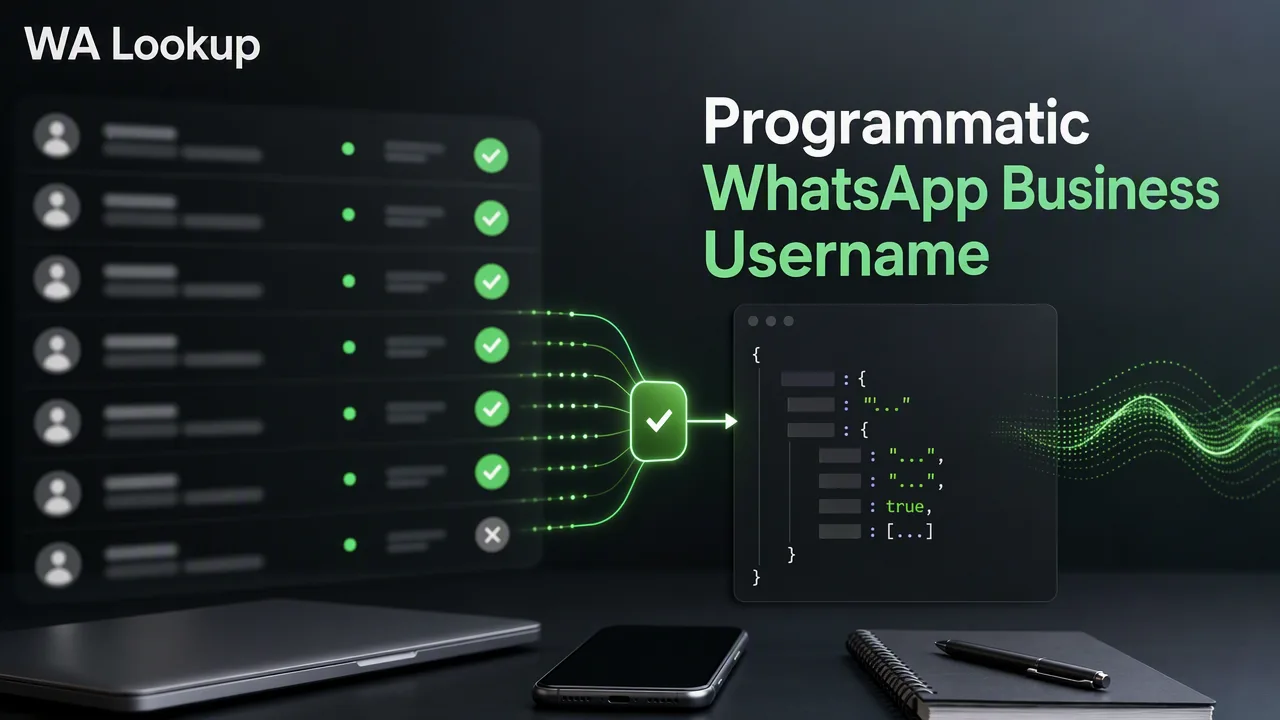
A technical guide to integrating synchronous WhatsApp registration, avatar, and business account checks into CRM workflows using the POST /api/v1/check endpoint.
Programmatic WhatsApp identity mapping involves using the documented POST /api/v1/check endpoint to verify registration status, avatar availability, and business account types. By submitting E.164 formatted numbers with the appropriate service_type payload, teams receive synchronous JSON data in the same HTTP response. This account-presence signal helps enrich CRM records, supports lead list cleanup, and informs automated routing workflows, giving operations teams the context needed to segment contacts without relying on asynchronous polling or webhooks.
The Role of Programmatic WhatsApp Checks
Integrating WhatsApp account-presence signals into business operations helps teams maintain cleaner databases and supports more efficient communication workflows. When organizations collect phone numbers through sign-up forms, lead generation campaigns, or customer support portals, those numbers often lack context regarding their messaging platform presence. By programmatically checking these numbers before initiating outreach, operations teams can segment their contact lists based on active platform registration. This process supports lead list cleanup by identifying which records are associated with a WhatsApp account and which are not. Furthermore, it informs automated routing decisions. This programmatic approach helps maintain data accuracy and gives teams the necessary context to structure their communication channels effectively.
Understanding WhatsApp Identity Signals
The platform provides three distinct service types through a single endpoint, allowing developers to request the specific level of detail required for their workflow. Each service type controls which fields are returned in the JSON response and which balance cost applies.
- Registration Check (ws): This is the baseline check. It evaluates the submitted E.164 number and returns a
registeredfield, providing a straightforward account-presence signal on the standard WhatsApp platform. - Avatar Check (ws_avatar): This check includes the base registration status and adds profile enrichment data. It returns an
avatarboolean indicating if an avatar is available, and anavatar_urlstring that is empty when no URL is available. - Business Account Check (ws_business): Designed for B2B segmentation, this check returns the base registration status alongside a
businessboolean. This specific signal helps teams identify whether the contact is utilizing a WhatsApp Business account.
For a completed WhatsApp check, the returned data contains service_type, identifier, and registered; ws_avatar also includes avatar and avatar_url, while ws_business includes business. Internal record, transaction, status, and billing fields are not returned.
Implementing Synchronous API Workflows
Technical integration relies on a straightforward, synchronous request contract. Because the results are synchronous, they are returned in the same HTTP response as the request. A CRM can hold a record in memory, make the API call, and immediately apply the returned signal to the workflow.
The documented request contract requires sending a request to the POST /api/v1/check endpoint. The request must include two headers: X-API-Key containing your authentication key, and Content-Type: application/json.
The JSON body must contain two fields:
service_type: A string value ofws,ws_avatar, orws_business.identifier: The phone number formatted to the E.164 standard.
To support this integration, the platform dashboard provides comprehensive administrative tools. Development and operations teams can manage API keys, monitor their balance, review check history, and access product-level reporting. The dashboard also displays recent checks, balance spend metrics, and account activity to help monitor API usage and workflow volume.
Best Practices for Data Integrity and Routing
When integrating programmatic checks into a production environment, it is critical to set accurate expectations for what the data represents. A registered result reports the WhatsApp status fields available at the exact time of the check. It serves strictly as an account-presence signal. It does not verify online status, last seen timestamps, message history, or contact consent. Failed, timed-out, and undetermined checks do not retain the charge. See the pricing page for current billing details.
FAQ
What is the difference between a registration check and a business account check?
A standard registration check (using the ws service type) returns an account-presence signal indicating whether the submitted E.164 number is registered on WhatsApp. A business account check (using the ws_business service type) returns the same registration status but adds a business boolean field, which indicates whether the account uses WhatsApp Business.
Do I need to set up webhooks for WhatsApp checks?
No. All checks are synchronous. The results are returned in the same HTTP response as the initial request, eliminating the need to configure webhooks or implement asynchronous polling logic in your application.
What format should phone numbers be in for the API?
All submitted phone numbers must be formatted according to the E.164 international telephone numbering plan standard.
Does a registered status mean I can send a message to the user?
A registered result is strictly an account-presence signal available at the time of the check. It does not report live presence, message history, contact consent, or whether the number can successfully receive a message.
How are failed or undetermined checks billed?
Failed, timed-out, and undetermined checks do not retain the charge. See the pricing page for current billing details.