
Product guidance
Optimizing CRM Data: WhatsApp Business Username Identity Mapping
Improve CRM data hygiene with whatsapp business username identity mapping. Learn to use synchronous API checks for registration and account presence signals.
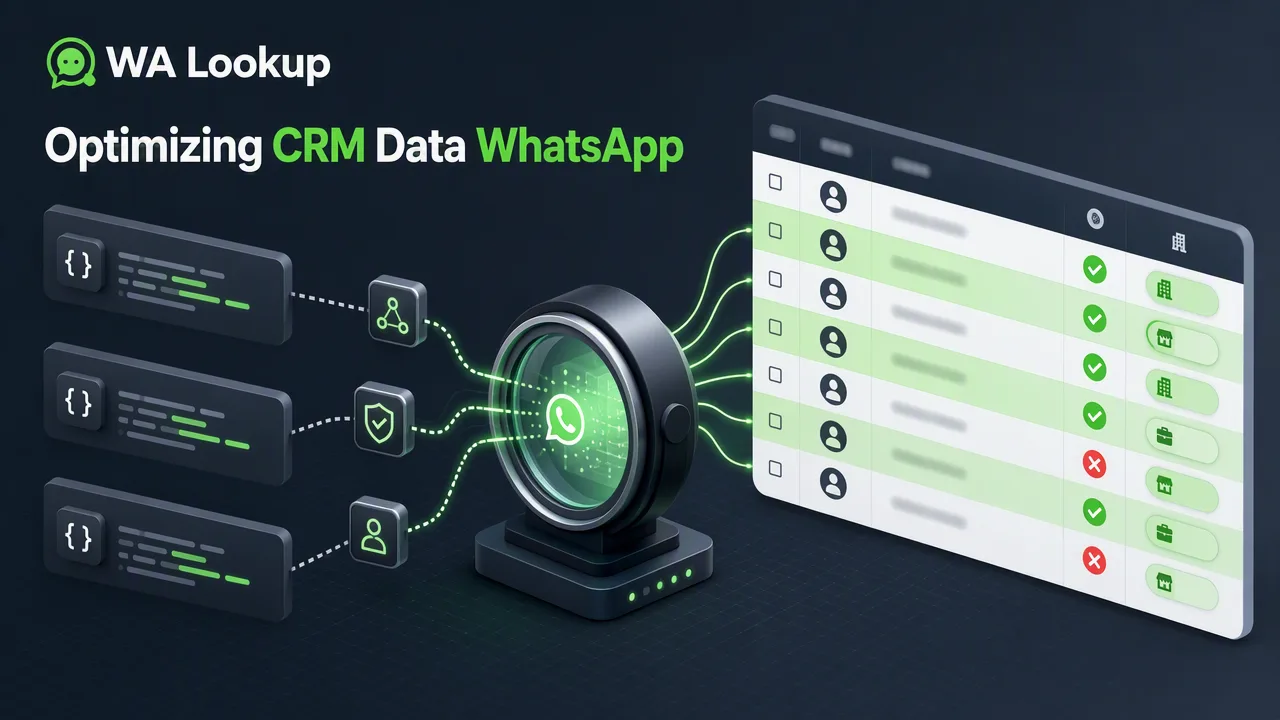
Learn how to integrate synchronous WhatsApp status checks into your CRM to verify account presence, identify business accounts, and streamline data workflows.
Integrating WhatsApp status checks into your CRM allows teams to verify if a submitted phone number is registered on the platform, identify Business accounts, and retrieve avatar availability. By using a synchronous API, you receive these account-presence signals in the same HTTP response, enabling cleaner lead lists and more informed outreach workflows without complex polling or asynchronous processing.
The Role of WhatsApp Status in Modern CRM Workflows
Maintaining accurate contact records requires understanding which channels are available for your audience. WhatsApp status checks provide a clear account-presence signal for a submitted phone number. Rather than guessing channel availability, CRM operators can use these checks to confirm platform registration. By incorporating whatsapp business username identity mapping into your data strategy, teams can segment lists based on actual platform presence, separating standard accounts from business profiles.
Technical Implementation: Synchronous API Validation
Automating these checks requires a reliable technical workflow. WA Lookup provides a single synchronous endpoint (POST /api/v1/check) that returns results in the same HTTP response as the request. This eliminates the need for asynchronous webhooks or polling.
For a completed WhatsApp check, the returned data contains service_type, identifier, and registered; ws_avatar also includes avatar and avatar_url, while ws_business includes business. Internal record, transaction, status, and billing fields are not returned.
Choosing the Right Service Type
All WhatsApp checks use the same endpoint, but the service_type parameter determines which data points are returned and which balance cost applies.
| Service Type | Returned Signals | Best For |
|---|---|---|
ws |
registered (boolean) |
Basic account-presence confirmation. |
ws_avatar |
registered, avatar (boolean), avatar_url (string) |
Profile enrichment and verifying avatar availability. |
ws_business |
registered, business (boolean) |
Identifying B2B contacts and WhatsApp Business accounts. |
Using the ws_business check supports workflows that require whatsapp business username identity mapping, helping teams route records appropriately based on the account type.
Operational Use Cases and Dashboard Management
Integrating these signals helps teams clean lead lists by removing non-registered numbers before campaign deployment, improving overall workflow efficiency. CRM enrichment adds valuable account-level context to existing records, supporting better segmentation. Review balance and check history in the dashboard; see the pricing page and API documentation for current billing rules.
FAQ
What does a WhatsApp registration check actually verify?
A registration check provides an account-presence signal indicating if the submitted E.164 phone number is registered on WhatsApp at the time of the request. It does not report live presence, message history, or contact consent.
How does a synchronous API differ from asynchronous methods for CRM integration?
A synchronous API returns the check results immediately within the same HTTP response as the initial request. This allows CRM systems to process the data in real-time without needing to set up polling mechanisms or wait for asynchronous webhook deliveries.
Can I check for Business account status and avatar availability simultaneously?
The API requires selecting a specific service_type per request. You can choose ws_avatar to check for avatar availability and the avatar URL, or ws_business to check if the account uses WhatsApp Business. They are distinct service types routed through the same endpoint.
Does a registered WhatsApp status mean I have consent to message the user?
No. A registered result only confirms platform presence. Users remain responsible for adhering to platform rules and recipient preferences.