
Product guidance
Adding WA Lookup Avatar Checks to a CRM Enrichment Flow
How CRM administrators wire WA Lookup's ws_avatar check into a contact-enrichment flow, including where to store results and when to refresh them.
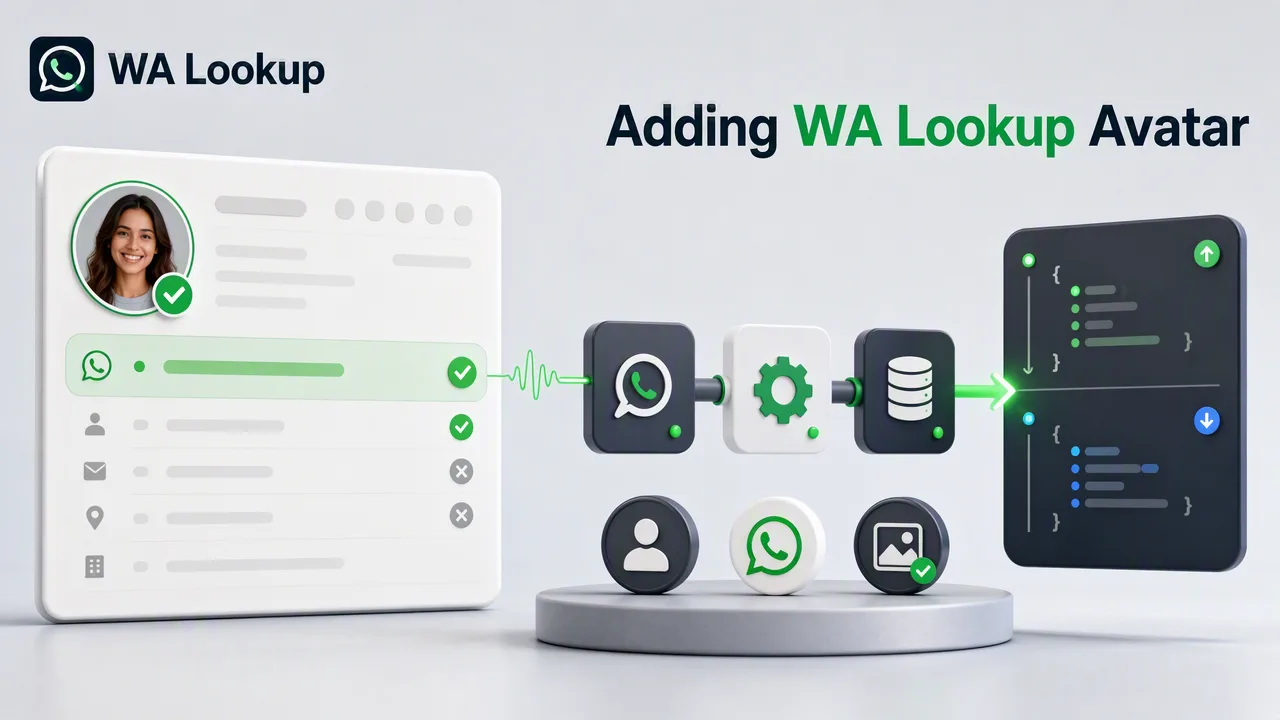
A synchronous single-number check fits CRM enrichment unusually well, because enrichment is naturally triggered one record at a time. These are the choices that keep such a flow tidy.
WA Lookup's ws_avatar check takes one phone number and returns the WhatsApp registration and avatar fields in the same response, which maps cleanly onto CRM enrichment flows that fire per record rather than per batch.
Trigger per record, at the moment it changes
Because the check is synchronous and takes a single identifier, the natural trigger is a record being created or its phone number being edited. Enriching at that moment means the value is current when it is written, and it spreads the work out instead of concentrating it in a nightly job that has to be monitored.
Give the results their own fields
Create dedicated fields for the registration result and the avatar result rather than folding them into an existing status column. Separate fields keep it clear which value came from which check, and they let you add another service_type later without redefining what an existing column means.
Normalize the number before you send it
The identifier must be in E.164 format, and CRM records rarely hold numbers that way by default. Normalizing in the enrichment step rather than expecting clean input removes the largest category of failed checks in this kind of flow.
Decide what a failed or undetermined check writes
Review balance and check history in the dashboard; see the pricing page and API documentation for current billing rules.
Refresh on a schedule you chose deliberately
Store the check date with each value and refresh on an interval tied to how the data is used. An interval in configuration can be reviewed and adjusted; an ad-hoc habit of re-enriching everything cannot.
FAQ
Is one account needed for both the SaaS dashboard and API use?
One WA Lookup account covers both the SaaS dashboard for manual checks and the synchronous API for automated flows.
What should the flow write when a check does not resolve?
Record that the attempt did not resolve rather than writing an empty value, which otherwise reads like a negative result.
Where should normalization to E.164 happen?
In the enrichment step. CRM records rarely store E.164 by default, and normalizing there removes the largest category of failed checks.