
WhatsApp Account Check vs WhatsApp Verification: Two Different Jobs
Compare a third-party WhatsApp account-presence check with WhatsApp phone registration and verified business status, then apply each result correctly in CRM work.
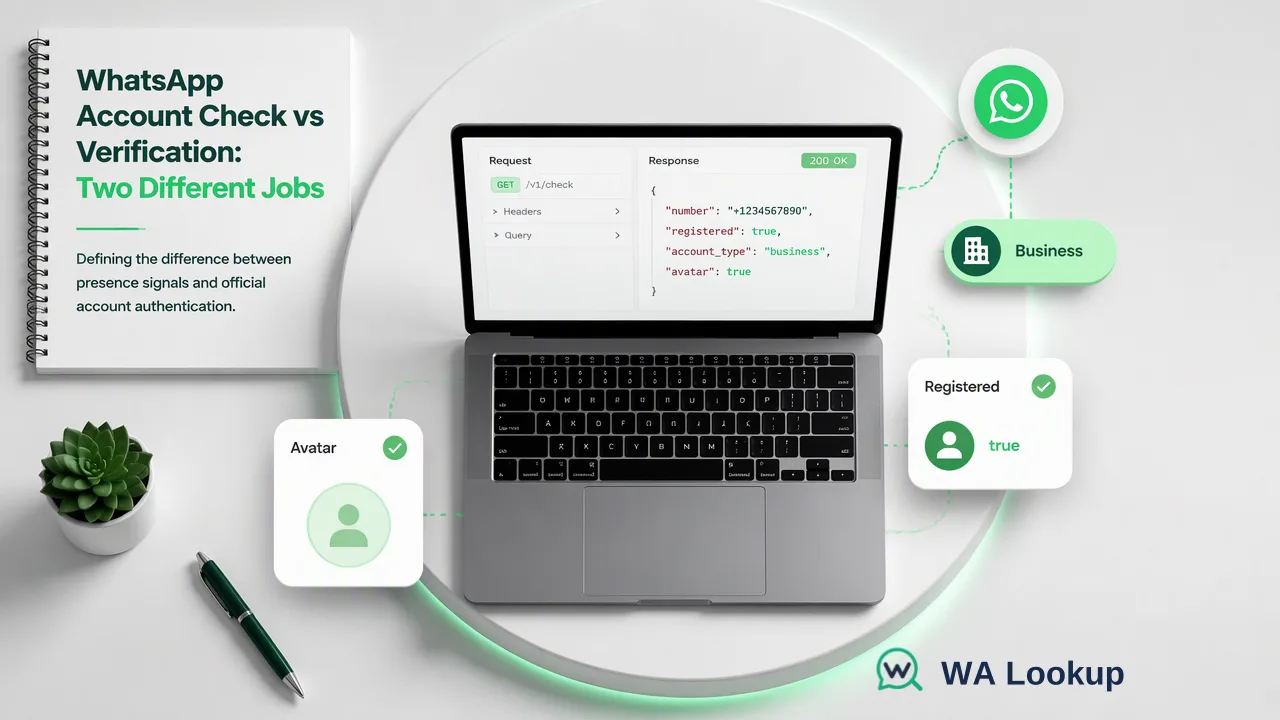
A precise comparison of account checking, phone registration, and business verification.
A WhatsApp account check asks whether a submitted number shows an account-presence signal at check time. WhatsApp verification can instead mean the phone-owner registration step or Meta’s verified business badge process. Those activities have different actors and evidence; a list checker does not register a phone, authenticate its owner, or award a business badge.
Why the terms are easily confused
A sales-operations team may say “verify these WhatsApp numbers” when it means “find which contact records have a WhatsApp account.” A person registering their own account uses “verify” for a code delivered to a phone. A business may use the same word for its platform badge. Search results often place those tasks side by side without saying who performs the action. The reader should therefore define the question before selecting a workflow.
WhatsApp’s registration guidance explains that a person confirms control of a phone number during account creation or re-registration. Its verified business account guidance describes a separate authentication process for accounts with verified badges. A third-party account check does neither. It observes whether the submitted number has a WhatsApp account-presence signal when checked.
This difference matters in a CRM: “registered at check time,” “the contact gave permission,” and “the business is verified” should never be one field. Each is supported by a different source and may change at a different time.
What a WhatsApp account check reports
WA Lookup offers a realtime WhatsApp Registration Check for one submitted phone number in its dashboard or REST API. The single check returns its result in the initiating response. The API also offers a synchronous multi check for a small group, while a dashboard realtime batch tab handles pasted numbers. For much larger lists, the separate asynchronous file task provides a later downloadable result. The important distinction is the selected workflow: an immediate response for realtime checks, versus submission and later export for a bulk file task.
The standard registration check answers whether a submitted number shows WhatsApp account presence at check time. An optional Avatar Check adds a profile-image availability signal; an optional Business Account Check adds an account-type signal. Select the product that corresponds to the question. Avatar absence should not be treated as a negative registration answer, and a business-account signal should not be represented as authentication of a legal company.
A decided result should be recorded with the check date and selected product. An undetermined or service-error check is a separate operational state, not a decided not-registered result. For billing and current usage terms, use the WA Lookup API reference and current pricing page rather than building a policy around a presumed charge or refund rule.
Compare the three meanings in one decision table
| Reader question | Who performs the action? | What the outcome means |
|---|---|---|
| Does this submitted number show a WhatsApp account? | A list owner runs an account check. | A check-time account-presence signal. |
| Can a person activate or re-register their own account? | The phone user completes WhatsApp registration. | The user follows WhatsApp’s code-based account process. |
| Does an account carry a verified business badge? | Meta applies its business verification process. | A platform badge with its own criteria. |
The table distinguishes registration observations from other records maintained by the sales team. A contact record should name the signal explicitly. A team might use “WhatsApp registration observed on [date]” in its internal data dictionary, while keeping consent and account-owner information in separate fields maintained by their own sources.
A registered account may inform channel planning for contacts with prior express and informed consent. It does not identify the person currently using the number, prove permission to message, or predict delivery or response. A not-registered outcome can prompt an alternative-channel review, but it should not automatically erase the contact from the source CRM.
Fit account checking into lead and CRM workflows
Begin with an authorized list, a source record identifier, and a country-coded phone number. Normalize the number to the correct international format before checking; WhatsApp’s own help asks users to enter phone numbers in full international format during registration. For cross-border lists, a missing country code can turn a straightforward lookup into a wrong-number question. Confirm ambiguous source data rather than guessing a country.
Run the named check and retain the product, check date, and outcome alongside the contact record. Give undetermined checks a review state rather than a false-negative label. Keep prior consent evidence, suppression status, and contact authorization in customer-controlled fields. That structure lets downstream teams distinguish “an account was observed” from “contact is authorized for a specific outreach program.” It also makes rechecking possible when a later campaign depends on a fresh observation.
For a single lead, the dashboard realtime check is a direct way to investigate. For an operational list, use a suitable multi or file workflow only when the list size and region fit the selected product. These are ways to obtain the same category of account-presence evidence, not replacements for WhatsApp’s phone-owner or business-verification processes.
A clear data dictionary should define each status in ordinary language and identify who may change it. Later imports and reports can use those definitions to label account-presence observations consistently.
FAQ
How can teams tell which kind of WhatsApp verification they need?
Ask whether the job is list segmentation, a person registering their own account, or Meta business badge verification. A WA Lookup account check serves the first job.
How should undetermined checks appear in a CRM?
Keep a separate review state and check date. Do not convert an undetermined or service-error check into a not-registered result.
Learn More
Choose the product information that fits the next step in your workflow.