
Real-Time WhatsApp Number Check: One Number, an Instant Answer
Check if a phone number is on WhatsApp in real time. One number, one request, the answer in the same response — no WhatsApp login, no QR code, and no notification to the number.
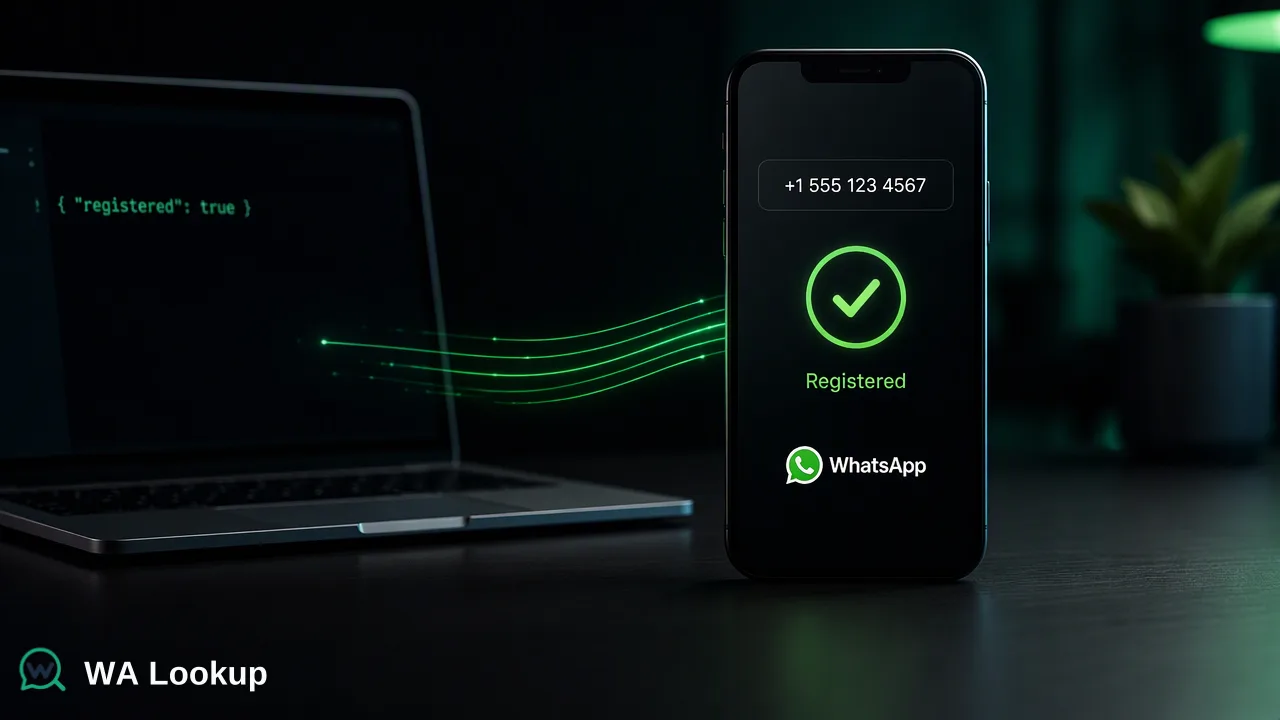
WA Lookup checks one phone number at a time and returns the answer immediately: is this number registered on WhatsApp right now? One number, one request, the result in the same response.
Most lists that need cleaning are not lists at all. They are single numbers arriving one by one — a sign-up form, a new lead, a support ticket, a contact being edited in a CRM. For those moments you do not want to upload a file and wait; you want the answer before the next step of the workflow runs.
That is the job of WA Lookup's real-time number check. This guide explains how it works, what it returns, and the features that come with it.
How a real-time check works
- Submit one number in international format, for example
+12345678900. The+is optional; see ITU-T Recommendation E.164 for the format. - WA Lookup checks it immediately. There is no queue, no task to poll, and no callback to configure.
- Read the answer in the same response. A single number typically answers in about a second.
You can run it in three places, all using the same check and the same balance:
- The homepage demo — no account needed, limited per day.
- The dashboard — open Realtime check, enter a number, and read the result on the same screen. Switch to Multi check to paste several numbers.
- The REST API — one request per number:
curl -X POST "https://walookup.com/api/v1/check" \
  -H "X-API-Key: sk_your_api_key" \
  -H "Content-Type: application/json" \
  -d '{ "service_type": "ws", "identifier": "+12345678900" }'
{
  "code": 0,
  "msg": "ok",
  "data": {
    "service_type": "ws",
    "identifier": "+12345678900",
    "registered": true
  }
}
What the result tells you
| Result | Meaning |
|---|---|
registered: true |
A WhatsApp account is present for the number at check time. |
registered: false |
No WhatsApp account was found for the number at check time. |
Non-zero code |
The check could not be decided. It is never reported as registered: false. |
Need more than registration? The same request can return the public profile photo with the avatar check (ws_avatar), or the WhatsApp Business flag with the Business check (ws_business). Choose the product that returns only the fields you need.
Features that come with every check
No WhatsApp login, no QR code
Checks run on WA Lookup's own infrastructure. You never sign in to WhatsApp, scan a QR code, install a browser extension, or keep a phone connected. Your own WhatsApp account takes no part in the check, so checking numbers does not put it at risk.
The number owner is not notified
A check sends no message, call, or notification to the number, and the owner cannot see that it was checked.
The same answer in the dashboard and the API
The dashboard, the single-number API, and the synchronous multi endpoint (POST /api/v1/batch-check, several numbers in one request) all run the same check against one balance. A result you see while testing in the browser is the result your code will get. AI assistants can use the same account through the WA Lookup MCP server.
100 free checks when you sign up
Create an account with Google or your email and 100 free checks are added automatically — nothing to claim and no top-up needed. They work in the dashboard and the API alike.
Pay per completed check
Each completed check is charged per number from your balance, whether the number is registered or not. A check that cannot be decided returns an error instead of a result and does not consume balance. Current prices are on the pricing page.
Where real-time checks fit
- Sign-up and lead forms. Check the number as it is submitted and decide right away whether WhatsApp is a usable follow-up channel.
- CRM records. Check a contact when it is created or edited, and store the result with the date it was checked.
- Support and routing. Look up a customer's number before choosing whether to continue on WhatsApp, email, or phone.
For whole lists far beyond a real-time request, an asynchronous bulk option lets you upload a file and download the results when the task finishes. It is an add-on; most workflows start with real-time checks.
Use the result responsibly
A registered result shows that an account is present. It does not prove who owns the number or that they agreed to be contacted. Collect opt-in consent before any outreach, as the WhatsApp Business Messaging Policy requires, and keep only the data your purpose needs under Article 5 of the GDPR. Results are a point in time, so re-check before time-sensitive decisions.
FAQ
How fast is a real-time check?
The answer comes back in the same response as your request, typically in about a second for a single number.
Will the person know I checked their number?
No. A check sends nothing to the number and the owner cannot see it.
Do I need a WhatsApp account?
No. You need a WA Lookup account for the dashboard and the API, but you never sign in to WhatsApp or connect a phone.
Can I check more than one number at a time?
Yes. Paste several numbers into Multi check in the dashboard, or send them together to the synchronous multi endpoint. See the API documentation for current limits.
Learn More
Try a check without signing in, or create an account to get 100 free checks.