
How to Find WhatsApp Business Accounts in a Phone List
A practical workflow for checking a phone list for WhatsApp Business account signals and keeping registration, account type, and CRM decisions separate.
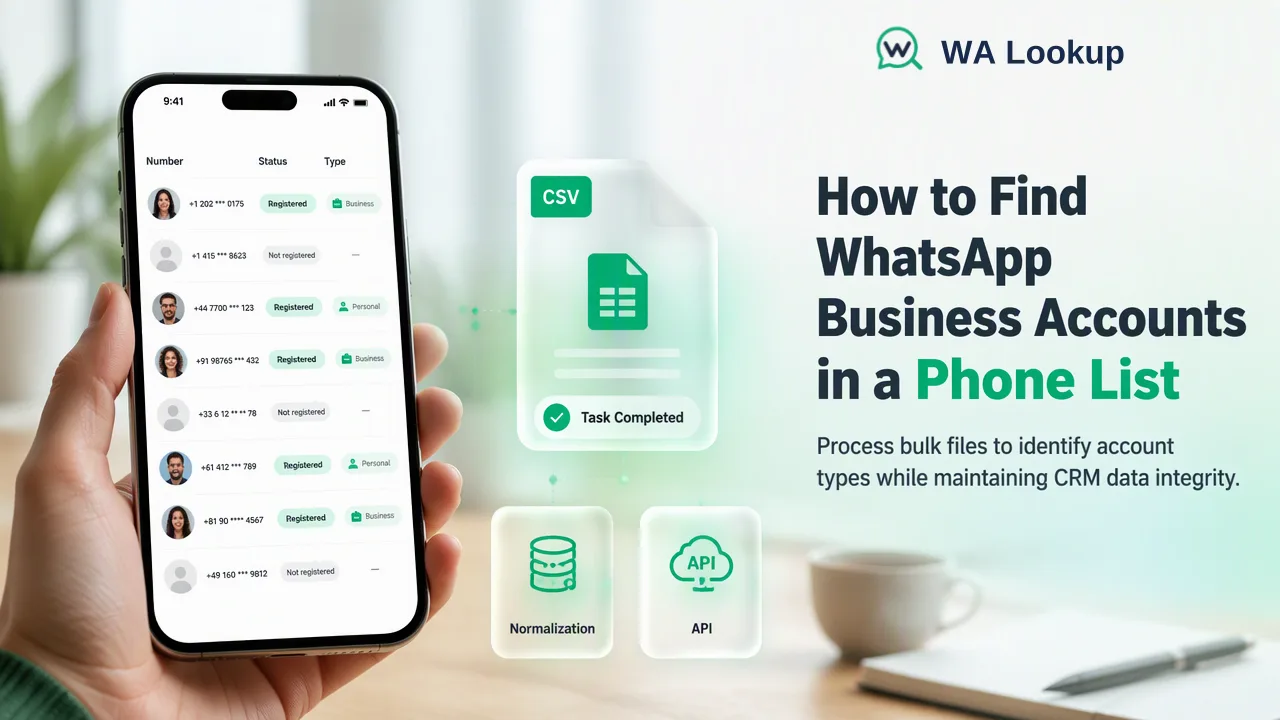
Teams can check reviewed numbers for a business-account signal, then segment decided results without treating the signal as company verification.
To find WhatsApp Business accounts in a list, first normalize the country-coded phone numbers, then run a selected business-account check and join each result to its original contact record. WA Lookup offers realtime checks for a small reviewed set and an asynchronous bulk business file task for a much larger prepared list. A business signal identifies an account type at check time; it does not verify the organization behind the number or grant permission to contact it.
Define the business-account question before processing the list
A B2B contact list often combines company switchboards, individual employees, shared support lines, and numbers copied from older forms. The useful question is whether a submitted number has a WhatsApp business-account signal in a completed selected check. That is narrower than asking whether the named company owns the number, whether a specific employee controls it, or whether a conversation is permitted. Keep those other questions in the existing CRM verification and consent processes.
The WhatsApp Business website describes business tools and account contexts, but the presence of a business account should not be mistaken for independent legal-company verification. WA Lookup's Business Account Check provides the selected product signal. Registration and business-account type are separate fields. A decided registered result with business=false should not be placed in a not-on-WhatsApp bucket. Likewise, a business=true signal should be labeled as an account-type observation rather than a certified company identity.
Before running checks, decide what the output is for: lead-list review, routing to a human team, or correcting CRM tags. Define the allowed labels in advance, such as business signal found, registered without business signal, decided not registered, and unresolved. A label should describe the observed check result, not promise a sales outcome. This prevents a team from turning one boolean into a broad claim about lead quality.
Prepare phone records so results join to the right contacts
Export a stable contact ID, source system, original phone number, and known country field. Normalize each number to an international country-coded value using the source country, and hold ambiguous rows for review. Keep the original column. A string that looks plausible after stripping punctuation may still point to another country or include a copied extension. Remove true duplicates only after deciding whether the same phone number may legitimately appear on several contact records.
Build a small sample from each data source before processing the full list. Confirm that the normalized value corresponds to the original contact, that each row has one intended number, and that the source country has not been inherited from a default form field. Record a check date so the signal is understood as time-specific. A number may be reassigned or an account type may change, making an old signal unsuitable as a permanent identity attribute.
Use a join key that survives sorting and file export. The normalized number is helpful for matching results, but the CRM contact ID is still needed when several contacts share a number. When a row has no usable country context, leave its business status unknown. Guessing a prefix to force every row through the check creates false certainty and complicates later corrections.
Choose realtime review or a bulk business file task
For a small reviewed set, use WA Lookup's realtime business-account check. The dashboard supports individual checking and a pasted Realtime Batch Check for up to 500 numbers; the REST API also has a synchronous multi-check path for up to 100 numbers per request. These are same-response workflows. They help an operator inspect input quality and understand result categories before adding a larger processing step. The current API documentation is the reference for the selected check and current use rules.
For a substantially larger file, the bulk business-account product uses an asynchronous task. Prepare TXT or CSV with country-coded numbers, submit a file task, retain the task ID, and obtain the downloadable result.csv when processing completes. This is a different lifecycle from the realtime check. Per-product file limits apply; confirm the current range in the API documentation. The file must represent one country; 10% or more numbers from other countries cause precheck rejection. Split an international master list by country before creating tasks and keep a mapping to the original CRM export.
A useful preflight is to check the count of accepted, held, and duplicate rows before submission. A row excluded during cleaning has no check result and should remain unresolved. Do not infer a negative business signal from a rejected file or incomplete task. The business signal should be read only from completed results for the selected business product.
Segment results without overstating what was learned
Join each completed result to the normalized submitted number, then to the saved contact record. Separate account presence from business-account type in the CRM. A completed positive account-presence result with a business signal can support a business-account segment. If that account-presence result has no business signal, the number still belongs in the account-present group; it does not establish a personal affiliation. A decided absence result is its own segment. Undetermined and service-error outcomes belong in an unresolved segment, not in a negative segment.
Add the selected check, check date, and source of the normalized number to the CRM record. Review conflicting data rather than overwriting a human-verified company contact. For example, a business signal may justify a manual review of a lead routing rule, but it should not replace company-domain matching, account ownership checks, or permission records. Teams should define who can act on each segment and when a fresh check is needed.
Finally, measure the process with operational counts rather than invented conversion promises: rows imported, rows normalized, rows held for review, completed checks, and unresolved results. Those counts reveal data-quality problems and make a subsequent run reproducible. The check provides one workflow input; contact policy and outreach choices remain separate decisions.
FAQ
Can teams identify a verified company from business=true?
No. The signal identifies WhatsApp account type in the selected check. Company identity, number ownership, and permission to contact require separate evidence.
Does business=false mean the number is not registered on WhatsApp?
No. Registration and business-account type are distinct fields. Read the decided registration result separately from the business field.
How can teams check a very large business contact list?
Prepare a one-country TXT or CSV file with country-coded numbers for WA Lookup's asynchronous bulk business-account task, then join the completed downloaded results back to stable contact IDs.
How should teams classify an unresolved check?
Keep undetermined or service-error outcomes in a separate unresolved segment. They are not completed registered=false results and should not be turned into a negative business classification.
Learn More
Choose the product information that fits the next step in your workflow.