
CRM Phone Data Validation: Adding a WhatsApp Check to Your Data Rules
Which validation rules belong on CRM phone fields, how to order them, and where a dated WhatsApp registration check fits as a channel signal.
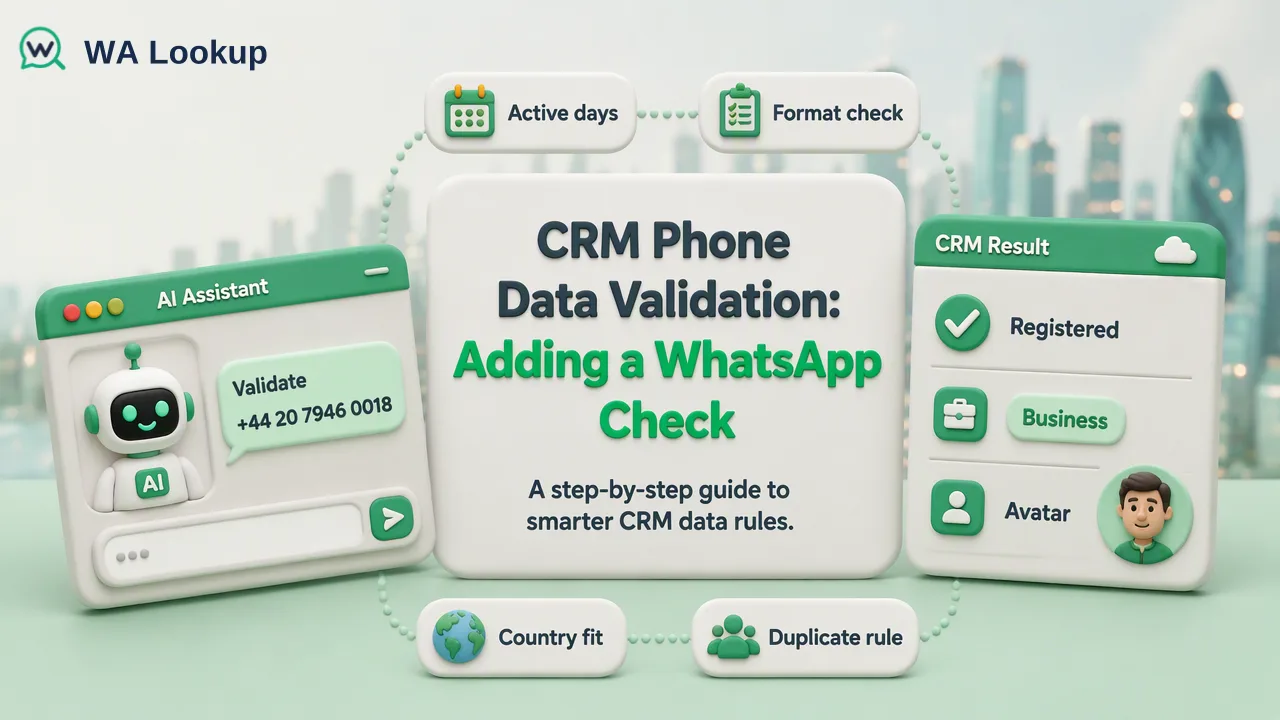
A rule-by-rule guide for CRM admins on validating phone fields and adding a WhatsApp registration check as a separate, dated channel signal.
CRM phone data validation works best as a short chain of rules: normalize the number to international format, confirm it fits the expected country, block duplicates, and only then add channel signals such as a WhatsApp registration check. The first three rules decide whether a phone value is usable data; the WhatsApp check answers a narrower question, namely whether WhatsApp is a realistic channel for that number at the time it was checked. Keeping these layers in separate fields, each with its own date, is what makes the CRM trustworthy for routing and outreach.
What CRM phone data validation should cover
Most guides on CRM phone data validation stop at one of two ideas: a format rule on the phone field, or a vendor API that marks numbers as valid or invalid. Both are useful, but neither tells an admin how to design the full set of rules, which order to run them in, or what to store when a rule fails.
A practical rule set has four layers:
| Layer | Question it answers | Where it runs | Typical action on failure |
|---|---|---|---|
| Normalization | Can the value be written in one consistent international format? | On create and edit | Fix automatically or send to a review queue |
| Country fit | Does the country code match the record's country or market? | On create and edit | Flag for review, do not overwrite |
| Uniqueness | Is this number already on another contact or lead? | On create, plus periodic reports | Merge or link records |
| Channel signals | Is a given channel, such as WhatsApp, realistic for this number right now? | After the first three pass | Route the record, not reject it |
The first three layers are data hygiene. They belong to the CRM itself, run on every record, and are owned by the admin team. The fourth layer is a business signal that changes over time, so it needs a check date and a refresh plan rather than a one-off validation flag.
Rule 1: Normalize phone fields to one international format
Normalization is the rule that saves the most downstream work. Store every number with its country code, no trunk prefix, and no spaces, brackets, or hyphens, following the international numbering structure in ITU-T Recommendation E.164. A number like (020) 7946 0018 entered for a UK contact becomes +442079460018.
A simple character rule, such as the one in Zoho's guide to validating lead phone numbers, can reject brackets, hyphens, and spaces. Zoho itself notes that such a rule is not exhaustive. A character rule cannot tell whether 0791... is a UK mobile with a trunk zero or a mistyped foreign number. For that, teams usually rely on a numbering-plan library such as Google's open-source libphonenumber, which parses a raw value against a default region and returns a formatted international number or an error.
Practical choices for admins:
- Keep the raw value in a separate field for audit, and write the normalized value to the main phone field.
- Use the record's country, not the user's browser locale, as the default region when parsing.
- Send values that cannot be parsed to a review queue instead of silently clearing them.
Rule 2 and Rule 3: Country fit and duplicates
Country fit catches numbers that are well formed but probably wrong for the record. A lead marked as based in Germany with a +1 number is not necessarily an error, since people move and companies use foreign lines, but it deserves a flag. Compare the country code with the record's country field and raise a review task on mismatch instead of rewriting either value.
Duplicate rules work only after normalization. Before it, +44 20 7946 0018 and 02079460018 look like two numbers. After it, they match exactly, and a standard duplicate rule or matching rule can catch them. Decide in advance which object wins: for example, an existing contact usually takes priority over a new lead from a form.
Common mistakes at this stage:
- Running duplicate rules on raw values, which lets formatting variants through.
- Treating a shared office switchboard number as a duplicate error when several contacts legitimately share it.
- Deleting the losing record instead of merging, which loses activity history.
Rule 4: Where a WhatsApp check adds a channel signal
Once a number is normalized, in the right country context, and unique, a WhatsApp registration check adds something none of the earlier rules can: a platform-specific reachability signal. A completed result says whether a WhatsApp account was present for that number at check time. It does not confirm who owns the number, whether the contact agreed to be messaged, or whether a message will get a reply, so it should inform routing rather than decide whether the phone value is valid.
WA Lookup offers three realtime checks for this layer:
WhatsApp Registration Check
The base signal: whether the number had a registered WhatsApp account when it was checked. Most CRM rules need only this one.
WhatsApp Avatar Check
Adds whether a profile photo was available, with an image link that may be empty. It supplements registration and should never overwrite it.
WhatsApp Business Account Check
Adds whether the account is a WhatsApp Business account. That describes the account type, which can help with B2B and B2C segmentation; it is not a check of legal company status.
For existing lists that are far larger than a realtime request, WA Lookup also offers file-based bulk tasks: upload a TXT or CSV file with one number per line, wait for processing, and download a result file to import back into the CRM.
Storing the WhatsApp result in the CRM
Treat the check as data with a date, not as a permanent property of the contact. A field design that holds up well:
- WhatsApp status: a picklist with Registered, Not registered, and Not yet decided. A check that could not be completed stays as Not yet decided and is retried later; it is never written as Not registered.
- WhatsApp checked on: a date field updated whenever a decided result is written.
- WhatsApp account type and WhatsApp photo available: separate fields, filled only when that specific check was run.
- Check source: dashboard, API, or bulk file, so admins can audit where values came from.
Then build rules on top of those fields rather than on the phone value itself. For example, route new leads with a Registered status to a WhatsApp follow-up queue, and leads with Not registered to email or phone. Re-check records whose checked-on date is older than the window the team agrees on, because a number's WhatsApp status can change when people switch numbers or stop using an account.
One short technical note for integrators
If the check runs from a CRM automation rather than the dashboard, the realtime REST API accepts a single number in E.164 format through POST /api/v1/check, authenticated with an X-API-Key header, and returns the result in the same response. A synchronous multi request through POST /api/v1/batch-check accepts up to 100 numbers. That is usually enough for a create-or-edit trigger or a nightly job on new records; the current API documentation describes concurrency and timeout controls for heavier use.
A rollout order that avoids rework
Admins who add every rule at once usually end up with hundreds of review tasks and no clear owner. A calmer sequence:
- Run a report of phone values that fail normalization and fix the biggest sources first, often one web form or one import template.
- Turn on normalization for new and edited records.
- Add the country-fit flag and assign the review queue to a named team.
- Run duplicate matching on the normalized field and merge in batches.
- Add the WhatsApp status fields, backfill them for active segments, and only then build routing rules that depend on them.
Each step makes the next one cheaper. Checking unnormalized or duplicated numbers spends balance on values that will change, so the channel signal belongs at the end of the chain, not the start.
FAQ
How can teams validate phone numbers in a CRM without blocking data entry?
Normalize automatically where the parse is unambiguous, and send everything else to a review queue rather than rejecting the save. Hard validation errors on forms tend to push users into typing placeholder numbers, which is worse data than a flagged raw value.
Should a Not registered WhatsApp result mark a phone number as invalid?
No. It means no WhatsApp account was present for that number at check time. The number may still be valid for calls or SMS, so the result should change the channel choice, not the validity of the phone field.
How can CRM admins handle a WhatsApp check that could not be decided?
Keep the status as Not yet decided, leave the checked-on date unchanged, and retry later. Writing an undecided outcome as Not registered quietly removes reachable contacts from WhatsApp segments.
How often should the WhatsApp status field be refreshed?
Tie the refresh to how the field is used. Records about to enter an outreach sequence benefit from a recent check, while dormant records can wait until they are reactivated. A checked-on date field makes that rule easy to automate.
Learn More
Choose the product information that fits the next step in your workflow.