
Product guidance
How to Verify Phone Numbers from a CSV in Real Time
Verify phone numbers from a CSV in real time with WA Lookup: E.164 formatting, up to 100 numbers per synchronous request, and account presence in the same response.
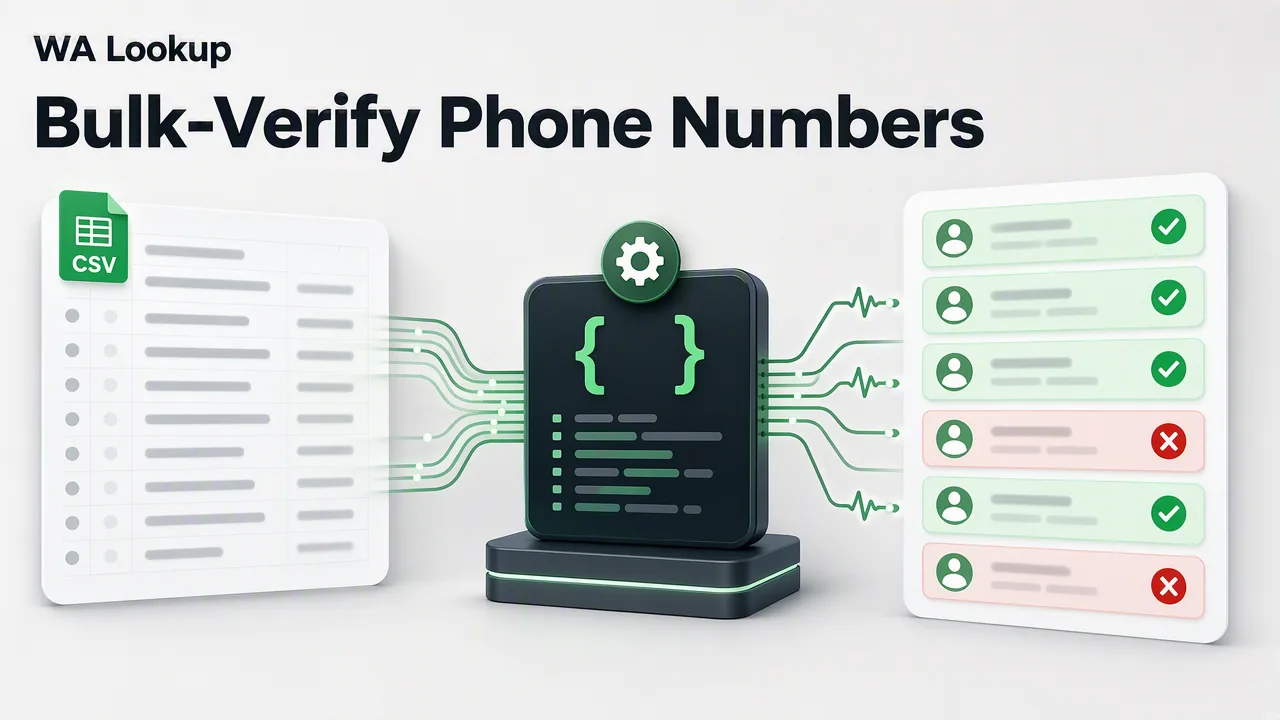
Learn how to prepare a CSV of phone numbers in E.164 format and run them through WA Lookup's realtime single and multi endpoints for immediate account-presence signals.
WA Lookup verifies WhatsApp account presence in real time: send one E.164 number to POST /api/v1/check, or up to 100 numbers to the synchronous multi endpoint POST /api/v1/batch-check, and the completed result returns in the same HTTP response. A CSV is simply a source for those requests — standardize the column, pick a service type, and send the identifiers through the multi endpoint up to 100 at a time. A whole file far beyond one realtime request can also be uploaded as an asynchronous bulk task.
Preparing Your Data for Verification
Before initiating any API requests, your CSV file must be properly formatted. WA Lookup requires all submitted phone numbers to use the E.164 format. This international telephone numbering plan dictates that each number is unique and unambiguous, typically starting with a plus sign followed by the country code and the subscriber number. Standardizing your CSV column to this format reduces errors during the API call and supports accurate processing of the workflow input.
Choosing the Right WhatsApp Check Type
WA Lookup provides three service types for synchronous single checks and synchronous multi checks alike. Select the type that matches the account-presence signal your workflow requires.
| Service Type | Scope & Returned Signals |
|---|---|
| ws | Returns standard platform registration status (registered boolean). |
| ws_avatar | Checks registration and adds profile enrichment (avatar boolean and avatar_url string, empty when no URL is available). |
| ws_business | Checks registration and identifies WhatsApp Business accounts (business boolean). |
The service_type parameter controls which fields are returned and which balance cost applies.
Executing Your Verification Workflow
For a CSV, use the synchronous multi endpoint POST /api/v1/batch-check for up to 100 formatted identifiers at a time; use POST /api/v1/check for a single identifier. Both return results in the initiating HTTP response, with no task submission, polling, or download step.
For a completed WhatsApp check, the returned data contains service_type, identifier, and registered; ws_avatar also includes avatar and avatar_url, while ws_business includes business. Internal record, transaction, status, and billing fields are not returned.
Managing Costs and Results
Teams can use the WA Lookup dashboard to manage API keys, review check history, and monitor balance and product-level usage. The multi request itself runs synchronously through the API, while the dashboard provides account and usage visibility. New accounts can also contact support for 100 free checks to test registration, avatar, and business account checks before processing larger CSV files.
FAQ
What is the difference between ws, ws_avatar, and ws_business?
The ws service type returns standard platform registration status. The ws_avatar type adds avatar availability and an avatar URL field, which is empty when no URL is available. The ws_business type checks registration and identifies if the number is associated with a WhatsApp Business account.
Can I check several numbers in one request?
Yes. The synchronous multi endpoint POST /api/v1/batch-check accepts up to 100 identifiers and returns the completed results in the same HTTP response, with no task submission, polling, or download step. For a whole list far beyond that, an asynchronous bulk task is also available (you choose the country the numbers belong to when submitting, and the list should be essentially that one country), but the synchronous endpoints remain the primary way to check.
Are failed checks charged to my balance?
Failed, timed-out, and undetermined checks do not retain the charge. See the pricing page for current billing details.