
Product guidance
Integrating the WA Lookup API for WhatsApp Profile Enrichment
Learn how to integrate the WA Lookup API for synchronous WhatsApp profile enrichment, avatar retrieval, and business account checks using E.164 numbers.
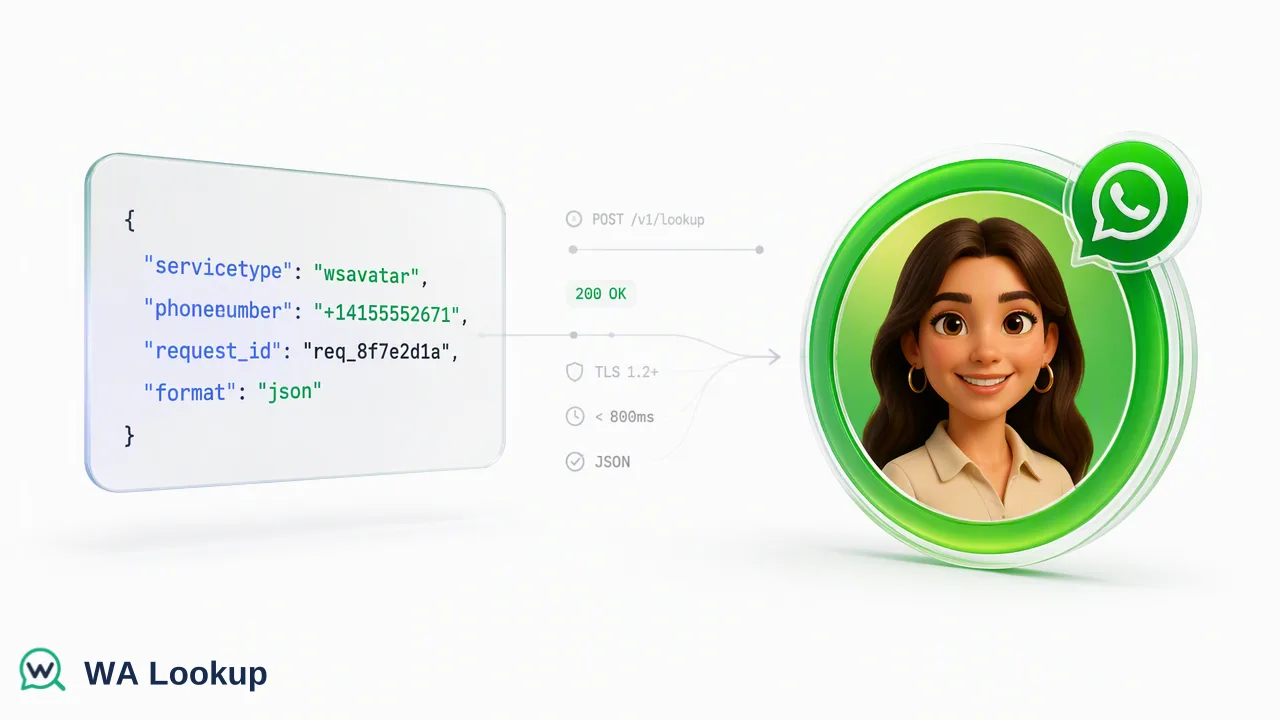
A technical guide for developers on implementing synchronous WhatsApp profile and avatar lookups using the WA Lookup API.
The WA Lookup API provides a synchronous REST interface that supports developers in automating WhatsApp profile enrichment. By sending a POST request to the /api/v1/check endpoint with a specific service type—ws, ws_avatar, or ws_business—and an E.164 formatted phone number, the API returns immediate account-presence signals directly within the HTTP response. These signals include registration status, avatar availability, avatar URLs, and business account indicators, which can serve as inputs for CRM routing, audience segmentation, and internal decision-support workflows.
Introduction to WA Lookup API
When integrating communication channels into business workflows, technical teams require accurate account-presence signals to inform their routing and segmentation logic. WA Lookup provides synchronous single and small-batch checks for WhatsApp registration, avatar availability, and Business account status. The single endpoint checks one identifier and the synchronous multi endpoint accepts up to 100 identifiers; both return data in the same HTTP response. This synchronous architecture supports immediate decision-making without asynchronous webhooks, polling infrastructure, or batch-processing queues. It is critical to understand the boundaries of this account-presence signal. A registered result reports the WhatsApp status fields available at the exact time of the check. It does not report live presence, message history, user consent, or whether the number can currently be contacted. Instead, it contributes to a broader workflow, helping teams review records and prioritize outreach based on platform presence.
Understanding Service Types
The WA Lookup API consolidates its capabilities into a single synchronous endpoint. Developers control which specific profile signals are retrieved—and which balance cost applies—by modifying the service_type parameter in the request payload. The API supports three distinct service types:
- WhatsApp Checker (
ws): This is the foundational service type. Its scope is strictly to confirm whether a submitted phone number is registered on WhatsApp. It provides a basic platform registration signal. - WhatsApp Avatar Checker (
ws_avatar): This service type expands on the basic check by providing profile enrichment. In addition to checking WhatsApp registration, it checks for avatar availability and returns anavatar_urlfield. The URL field is empty when no URL is available. - WhatsApp Business Checker (
ws_business): This service type is tailored for B2B workflows. It checks standard WhatsApp registration and additionally determines whether the account uses WhatsApp Business, providing a specific business profile signal.
By selecting the appropriate service type, technical product managers can tailor the API's output to match their exact workflow requirements, ensuring they only request and consume the data necessary for their specific use case.
Technical Implementation
Integrating the WA Lookup API requires adhering to a strict JSON request contract and formatting rules. All interactions occur via the POST /api/v1/check endpoint.
To authenticate and format the request correctly, developers must include specific headers: the X-API-Key header containing the active API key, and the Content-Type: application/json header.
The JSON body of the request must contain exactly two fields:
service_type: A string value of"ws","ws_avatar", or"ws_business".identifier: The target phone number submitted strictly in E.164 format.
The E.164 format is an international telephone numbering plan that ensures phone numbers are globally unambiguous. An E.164 formatted number must begin with a plus sign (+), followed immediately by the country code and the subscriber number, with no spaces, dashes, or parentheses (e.g., +17253100591). Failing to use the E.164 format will result in an unsuccessful check.
Because the API is entirely synchronous, the HTTP connection remains open while the check is performed, and the results are delivered in the immediate HTTP response.
Interpreting API Responses
The WA Lookup API returns a predictable set of fields in every check response, with additional fields appended based on the selected service_type.
For a completed WhatsApp check, the returned data contains service_type, identifier, and registered. ws_avatar also includes avatar and avatar_url, while ws_business includes business; internal record, transaction, status, and billing fields are not returned.
When the service_type is set to ws, the result contains only the registered field alongside the echoed service_type and identifier.
When the service_type is set to ws_avatar, the response schema expands to include an avatar field (a boolean indicating if an avatar is set) and an avatar_url field. The avatar_url is an empty string when no URL is available.
When the service_type is set to ws_business, the response schema adds a business field, which is a boolean indicating whether the registered number is associated with a WhatsApp Business account.
Dashboard and Usage Management
Managing API usage and monitoring workflow inputs is handled through the platform dashboard. The dashboard provides comprehensive support for API key management, allowing developers to securely generate and rotate the keys required for the X-API-Key header.
For operational oversight, the dashboard includes features for tracking balance, reviewing check history, and accessing product-level reporting. Technical teams can monitor recent checks, analyze balance spend, and view account activity to understand their usage patterns and optimize their integration.
Review balance and check history in the dashboard; see the pricing page and API documentation for current billing rules.
FAQ
Is the WA Lookup API synchronous?
Yes. The realtime endpoints are synchronous: results are returned in the same HTTP response as the initiating request. The single-number endpoint checks one identifier, and the synchronous multi endpoint accepts up to 100 identifiers without jobs, callbacks, or polling. Larger lists are handled by a separate asynchronous bulk product, where you upload a file and download the result later.
What is the difference between ws and ws_avatar service types?
The ws service type returns only the basic WhatsApp registration signal. The ws_avatar service type returns the registration signal and additionally checks for avatar availability, returning an avatar_url string that is empty when no URL is available.
What format should phone numbers follow?
All phone numbers submitted to the API must be formatted according to the E.164 standard. This requires a plus sign (+) followed by the country code and the subscriber number, with no spaces or special characters.