
Product guidance
Beyond Webhooks: Streamlining WhatsApp Number Verification Architecture
Learn WhatsApp webhook architecture best practices by replacing complex handshakes with a synchronous REST API for real-time account-presence signals.
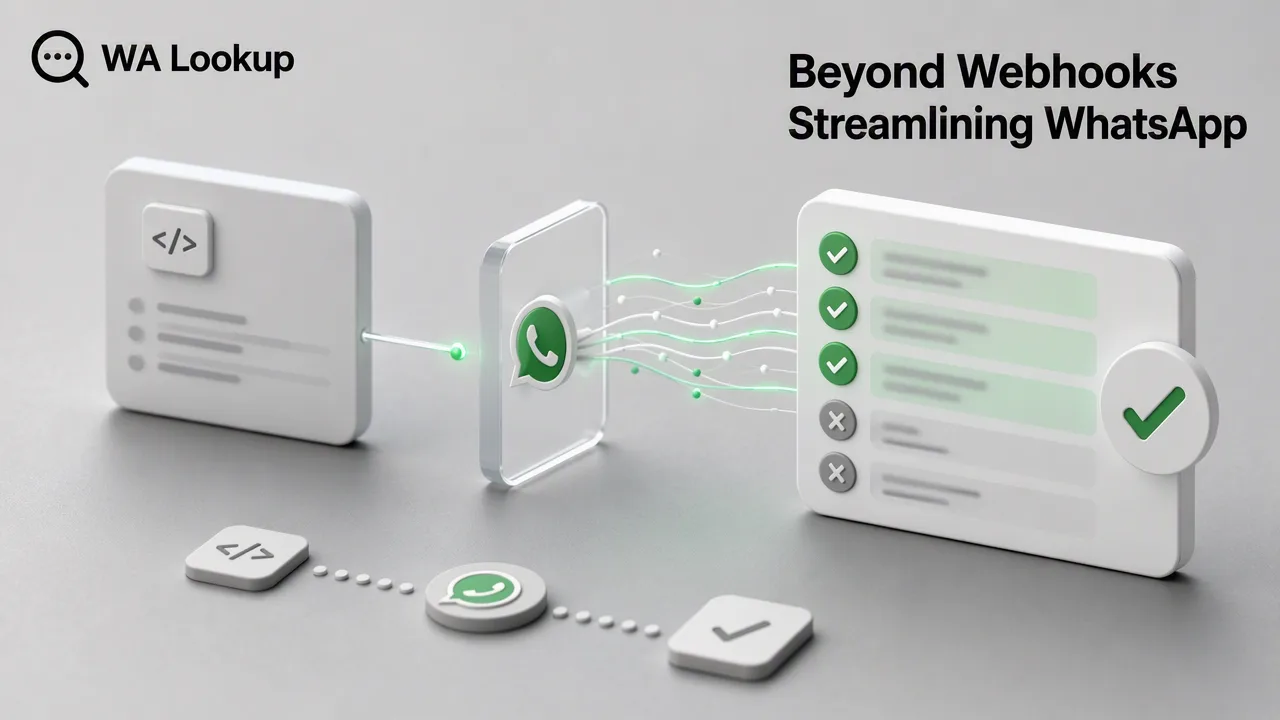
Explore WhatsApp webhook architecture best practices by transitioning to a synchronous REST API. Learn how to eliminate handshake complexity and retrieve real-time account-presence signals.
For many WhatsApp verification workflows, webhooks introduce unnecessary complexity, including handshake management and asynchronous parsing. A synchronous REST API accepts an E.164 phone number and returns the registration, avatar, or business status in the same HTTP response. This approach simplifies backend architecture, eliminates the need for persistent listeners, and ensures real-time data availability for account-presence signals.
The Architectural Challenge of Webhooks
When evaluating WhatsApp webhook architecture best practices, the first consideration is whether asynchronous delivery is actually required for simple status checks. Webhooks require persistent listeners, complex error handling for failed deliveries, and state management to match asynchronous responses back to the original request. This overhead often leads to over-engineering, especially when the goal is simply to confirm if a phone number is registered on the platform before updating a CRM record or routing a workflow.
The Case for Synchronous Verification
A synchronous API model provides a cleaner alternative to webhook infrastructure. Instead of waiting for a separate callback, synchronous APIs return results in the same HTTP connection as the request. This eliminates the need for polling, handshake troubleshooting, and dedicated webhook servers. WA Lookup provides a single synchronous endpoint for all WhatsApp checks, allowing teams to retrieve account-presence signals immediately. By keeping the request and response unified, developers can streamline their data pipelines and reduce operational maintenance.
Implementing a Streamlined Workflow
Transitioning away from webhooks requires a straightforward REST implementation. The WA Lookup platform uses a single endpoint for all verification types.
Developers interact with the API using a POST request to /api/v1/check. The request requires an X-API-Key header and a JSON body containing two fields: the phone number formatted to the E.164 standard, and a service_type parameter.
The service_type controls which fields are returned in the same response:
- ws: Confirms basic WhatsApp registration.
- ws_avatar: Checks registration and returns avatar availability, including an avatar URL if supplied by the upstream service.
- ws_business: Checks registration and indicates whether the account uses WhatsApp Business.
Best Practices for Data Integration
Handling synchronous data effectively ensures reliable workflow inputs. Every check response carries standard fields, including id, identifier, registered, transaction_id, status, service_type, and charged_amount_micros.
Always log the transaction_id and status fields for auditability. Additionally, the pay-per-check billing model automatically refunds failed or undetermined checks, ensuring cost-efficiency without requiring complex reconciliation logic. Teams can monitor API keys, balance spend, and 7-day trends directly within the dashboard.
FAQ
Why choose a synchronous API over a webhook for WhatsApp checks?
A synchronous API returns the verification result in the same HTTP response as the request. This eliminates the architectural burden of managing webhooks, handshakes, persistent listeners, and asynchronous data parsing.
How do I format phone numbers for the API?
All phone numbers must be submitted in the international E.164 format to ensure consistent processing.
What information does the WhatsApp Business check return?
Using the ws_business service type returns a synchronous response indicating basic platform registration and a boolean field showing whether the account uses WhatsApp Business.
How is billing handled for failed verification attempts?
Billing operates on a per-check basis. Any failed or undetermined checks are refunded automatically, ensuring you only pay for successful account-presence signals.