
Product guidance
Optimizing B2B Lead Qualification with the WA Lookup Synchronous API
Integrate a synchronous WhatsApp registration status API to verify account-presence signals and optimize B2B lead qualification workflows efficiently.
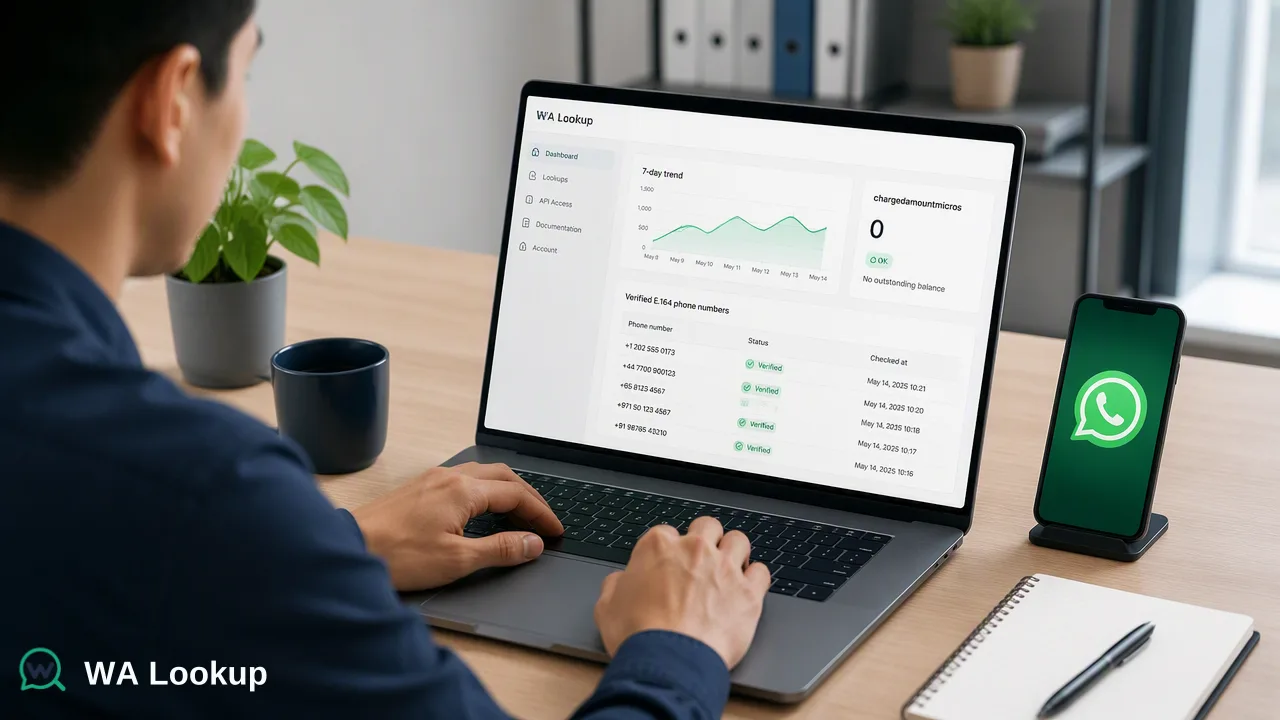
Learn how to integrate the WA Lookup synchronous API to verify WhatsApp account presence, avatar availability, and business status for B2B lead qualification.
The WA Lookup synchronous API helps B2B teams verify WhatsApp account presence, avatar availability, and business status in real-time. By sending a POST request with an E.164 formatted phone number, developers receive immediate account-presence signals within the same HTTP response. This pay-per-check service automatically refunds failed requests, providing a reliable way to qualify leads based on their WhatsApp profile signals without relying on asynchronous polling or complex webhook architectures.
Understanding the Synchronous Workflow
When processing high-volume B2B leads, technical operations teams require immediate data to inform routing and prioritization. The WA Lookup API utilizes a synchronous request-response pattern. This means the API returns the result in the same HTTP response as the initial request, rather than delivering it asynchronously. This synchronous behavior supports immediate decision-making in lead qualification pipelines, allowing developers to append account-presence signals to a lead record before it enters a CRM or sales queue. To ensure accurate processing across global lead lists, all submitted phone numbers must use the E.164 format. This international telephone numbering plan requires numbers to be formatted with a '+' prefix followed by the country code and subscriber number. Standardizing inputs to the E.164 format prevents routing errors and ensures the API can accurately check the submitted identifier against the platform.
Selecting the Right Service Type
WA Lookup consolidates its capabilities into a single synchronous endpoint, where the service_type parameter controls which fields are returned and which balance cost applies. Teams can choose from three distinct service types based on their specific lead qualification requirements:
| Service Type | Scope and Returned Fields |
|---|---|
ws |
Confirms basic WhatsApp registration. Returns the registered field to indicate account presence. |
ws_avatar |
Checks registration plus avatar availability. Adds an avatar boolean and an avatar_url string (present only when the upstream service supplies one). |
ws_business |
Checks registration and whether the account uses WhatsApp Business. Adds a business boolean. |
Using ws_business can be particularly useful for B2B workflows, as it helps teams filter and prioritize leads that maintain a professional WhatsApp Business profile. Meanwhile, ws_avatar provides profile enrichment signals, and the standard ws check supports basic list hygiene by confirming platform registration. |
Technical Implementation Overview
Integrating the API requires a straightforward HTTP request. The documented request contract uses POST /api/v1/check. The request must include the X-API-Key and Content-Type: application/json headers. The JSON body requires two fields: service_type (set to ws, ws_avatar, or ws_business) and identifier (the E.164 formatted number).
A standard request payload looks like this:
{"service_type": "<ws|ws_avatar|ws_business>", "identifier": "<E.164 number>"}
Every check response carries a predictable set of fields: id, identifier, registered, transaction_id, status, service_type, and charged_amount_micros. Depending on the selected service type, the response will append the additional boolean or string fields for avatars and business status. Because all three WhatsApp products use one synchronous endpoint, developers can easily switch between check types by modifying a single string in the request payload, minimizing code maintenance.
Interpreting Account-Presence Signals
When integrating these signals into a B2B workflow, it is critical to understand the boundaries of the data. A registered result reports the WhatsApp status fields available at the exact time of the check. It serves strictly as an account-presence signal.
The API does not check online status, last seen timestamps, or message history. Teams should use these checks as one input alongside other qualification criteria.
Managing Costs and Reliability
High-volume lead qualification requires predictable cost management. The API operates on a strict pay-per-check billing model. To ensure teams only pay for actionable data, failed or undetermined checks are refunded automatically. This automatic refund mechanism protects budgets when processing large, unverified lists where a portion of the numbers may be invalid or unreachable by the check. For operational oversight, the platform dashboard supports comprehensive API key management and financial tracking. Operations teams can monitor their balance, view check history, and access product-level reporting. The dashboard also displays recent checks, balance spend, and 7-day trends, helping managers forecast usage and adjust their lead ingestion volume accordingly. New accounts can claim a $0.10 trial balance to test the registration, avatar, and Business account checks before committing to larger volumes.
FAQ
What is the difference between the three service types?
The ws service type confirms basic WhatsApp registration. The ws_avatar type checks registration and adds avatar availability and an avatar URL (when supplied). The ws_business type checks registration and adds a boolean indicating if the account uses WhatsApp Business.
Does the API check if a message can be delivered?
No. A registered result reports WhatsApp status fields available at the time of the check. It acts as an account-presence signal and does not check online status, last seen, message history, contact consent, or whether a message can be delivered.
How are failed checks handled in the billing model?
The API uses a pay-per-check billing model where failed or undetermined checks are refunded automatically, ensuring you only pay for completed account-presence signals.
What phone number format is required for the API?
All submitted phone numbers must be in the E.164 format. This international standard requires a '+' prefix followed by the country code and the subscriber number.
How is the API response delivered?
The API is synchronous, meaning the results are returned in the same HTTP response as the initial request, rather than being delivered asynchronously via webhooks or polling.