
Product guidance
Streamlining WhatsApp API Automation: Moving Beyond Webhooks
Learn WhatsApp API automation best practices. Transition from complex webhooks to synchronous REST APIs for efficient number verification and account checks.
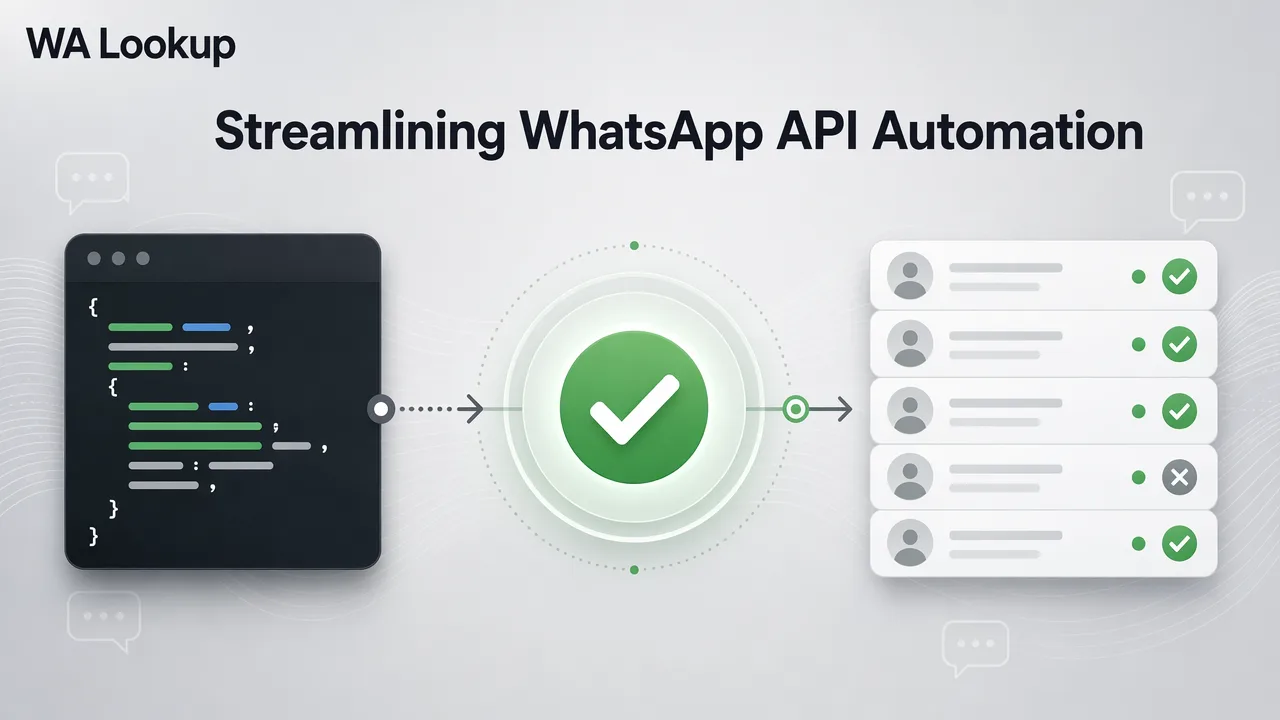
Learn how transitioning from complex webhook architectures to synchronous REST APIs simplifies WhatsApp number verification and improves automation workflows.
For most WhatsApp number verification tasks, synchronous REST APIs are a more efficient choice than webhook-based architectures. By eliminating the need for polling and complex callback infrastructure, synchronous calls allow teams to receive registration, avatar, and business account status in the same HTTP response. This approach reduces infrastructure overhead and simplifies backend logic, providing a clear account-presence signal that supports CRM enrichment and workflow routing.
The Complexity of Webhook-Based Verification
Asynchronous systems often require complex polling or callback management. When verifying phone numbers, webhooks introduce unnecessary infrastructure overhead for simple status checks. Managing these asynchronous callbacks means maintaining additional endpoints, handling retries, and parsing delayed JSON payloads. For straightforward account-presence signals, this architecture overcomplicates the automation process.
The Case for Synchronous API Workflows
Synchronous APIs return results in the same HTTP response as the request, eliminating the need for webhook setup and maintenance. WA Lookup provides a synchronous endpoint for WhatsApp registration, avatar, and business checks. By sending a single request, developers receive an response containing the requested account-presence signal. This design simplifies integration and helps teams review data without waiting for asynchronous callbacks.
Best Practices for API Integration
Implementing a reliable verification workflow requires strict adherence to input formatting and endpoint configuration.
- Use E.164 Formatting: Numbers must be submitted in E.164 format. This international standard ensures the submitted number is correctly parsed by the API.
- Select the Appropriate Service Type: The WA Lookup
POST /api/v1/checkendpoint uses aservice_typeparameter to control which fields are returned and which balance cost applies. ws: Returns theregisteredfield to confirm WhatsApp registration.ws_avatar: Checks registration and adds avatar availability and anavatar_urlwhen supplied by the upstream service.ws_business: Checks registration and indicates whether the account uses WhatsApp Business.- Manage Headers and Payloads: Requests require the
X-API-KeyandContent-Type: application/jsonheaders, alongside a JSON body containing theservice_typeandidentifier. Every check response carries standard fields includingid,identifier,registered,transaction_id,status,service_type, andcharged_amount_micros.
Optimizing Your Verification Workflow
Efficient API automation extends beyond the code to include resource and error management. Teams should use a centralized dashboard to monitor API usage, balance spend, and 7-day trends. Within the WA Lookup dashboard, administrators can manage API keys securely and review check history and product-level reporting. Because billing is per check, failed or undetermined checks are automatically refunded, supporting cost-efficiency. New accounts can also utilize a $0.10 trial balance to test registration, avatar, and Business account checks before scaling their workflows.
FAQ
Why is a synchronous API better for WhatsApp verification?
Synchronous APIs return results in the same HTTP response as the request, eliminating the need for complex webhook infrastructure, polling, and callback management.
How do I handle phone number formatting for the API?
All submitted phone numbers must be formatted in the E.164 standard to ensure accurate processing by the API.
What happens if a WhatsApp check fails?
Billing is calculated per check, and any failed or undetermined checks are refunded automatically to your account balance.
How do I check if a number uses a WhatsApp Business account?
You can submit a request to the synchronous endpoint using the ws_business service type, which returns an account-presence signal indicating if the number is registered and uses WhatsApp Business.